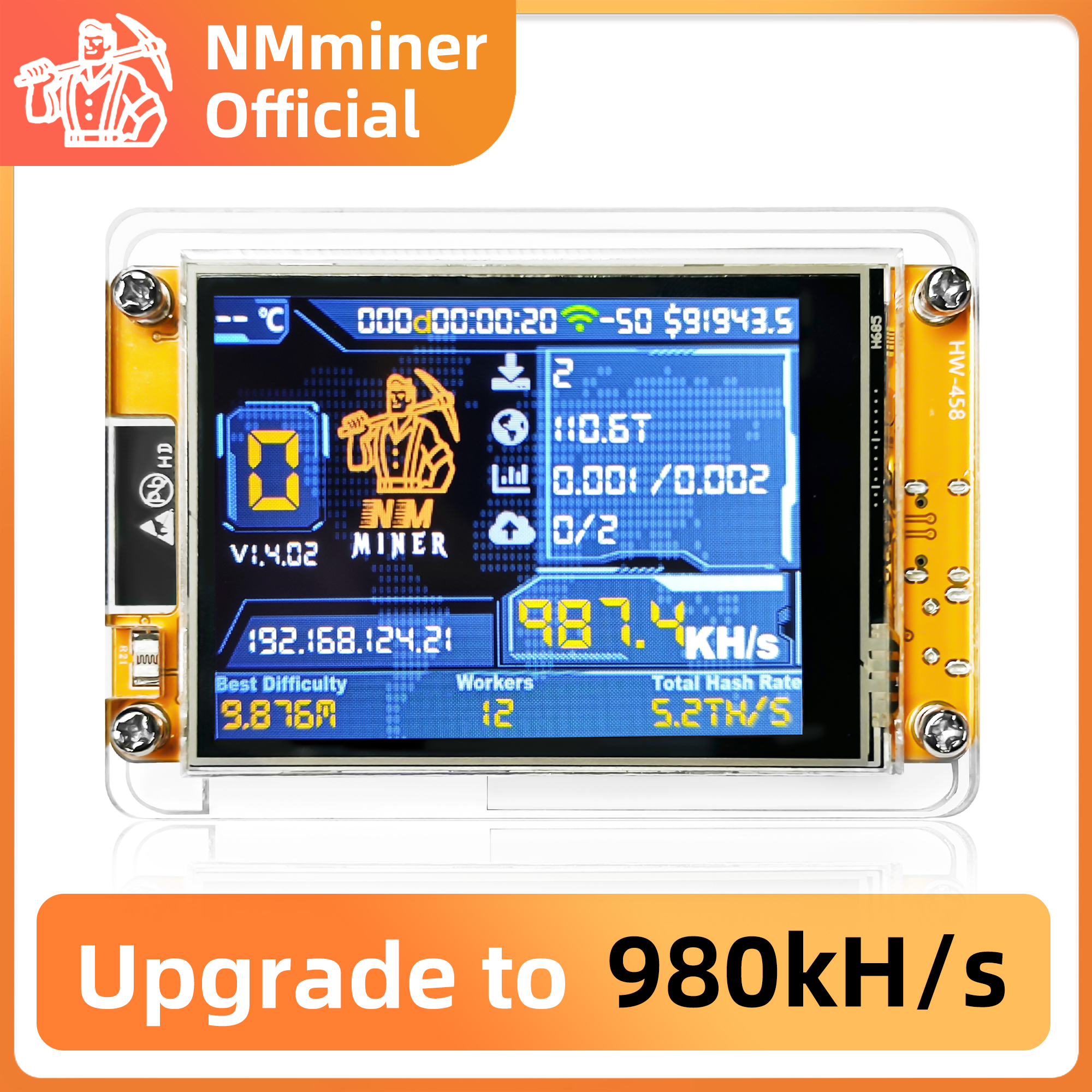
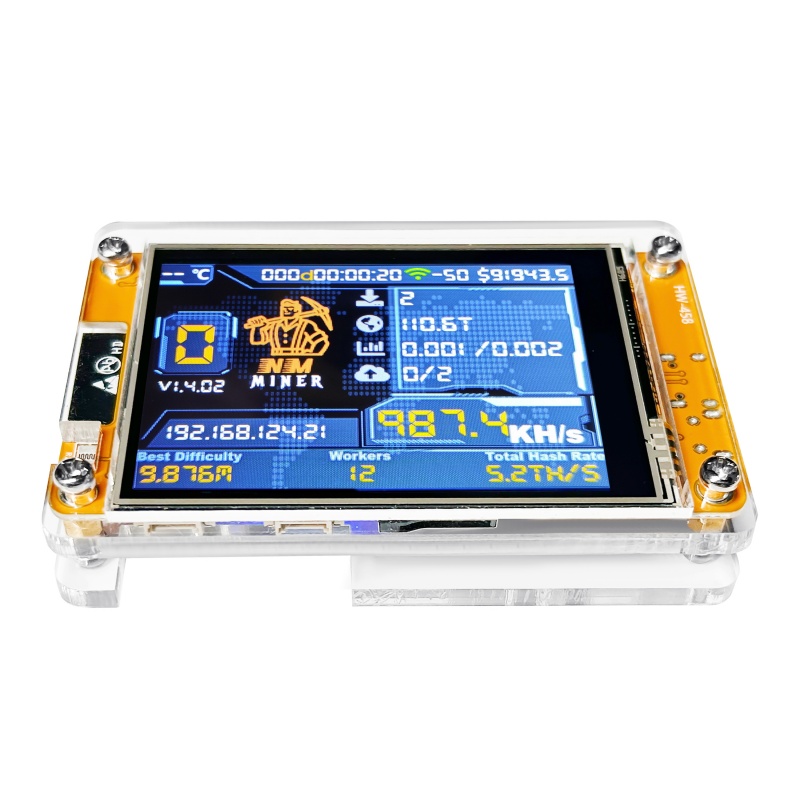
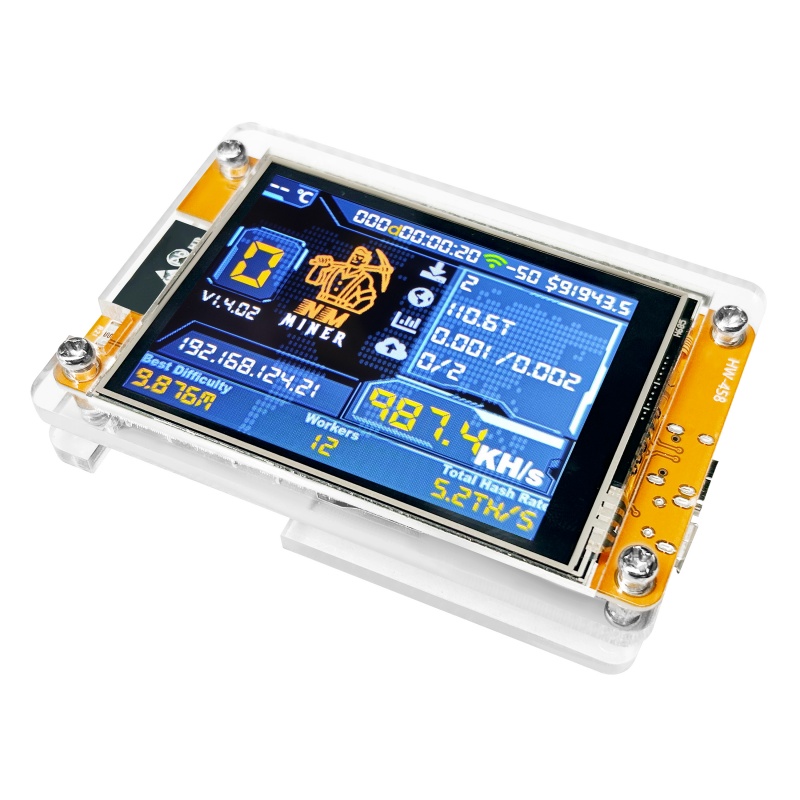
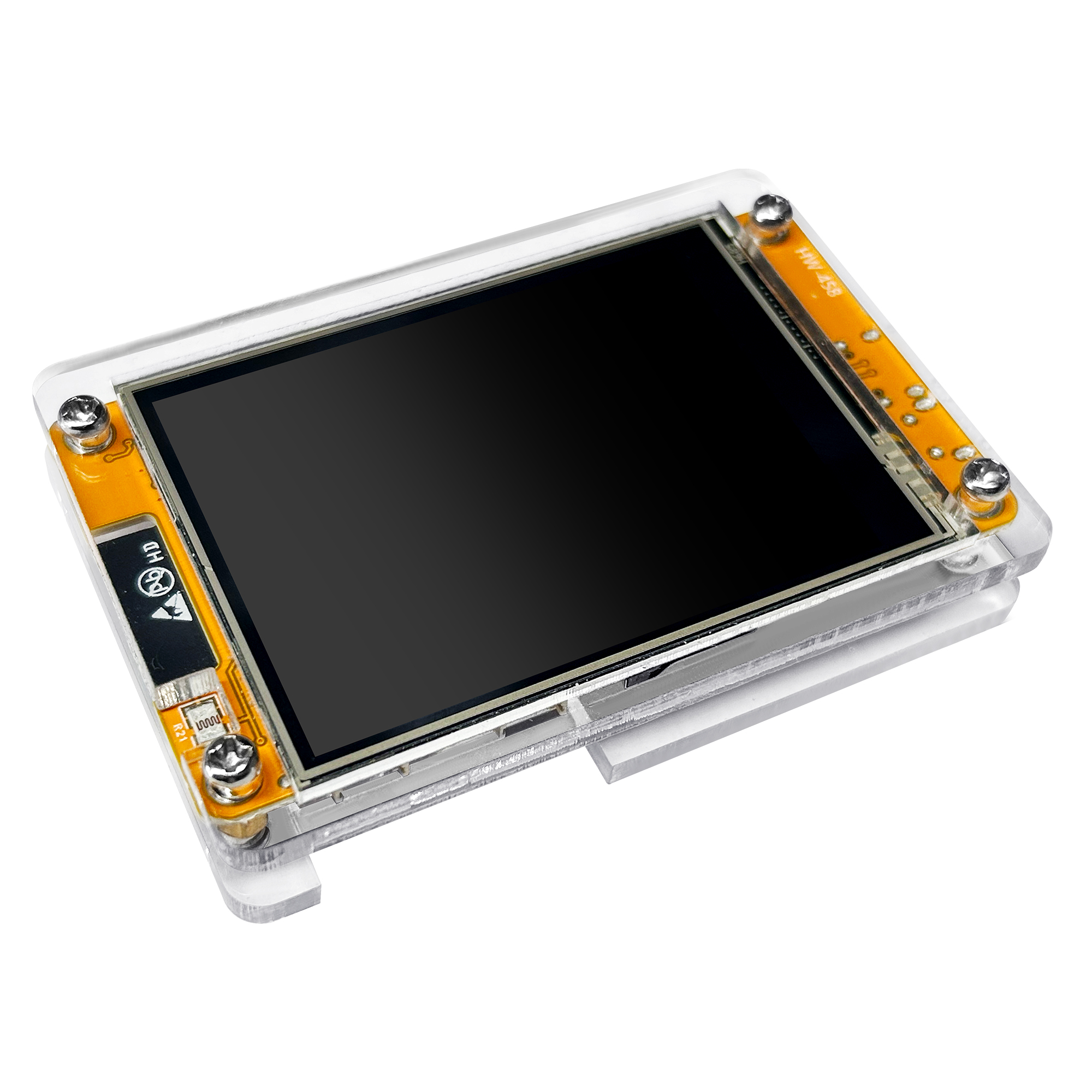
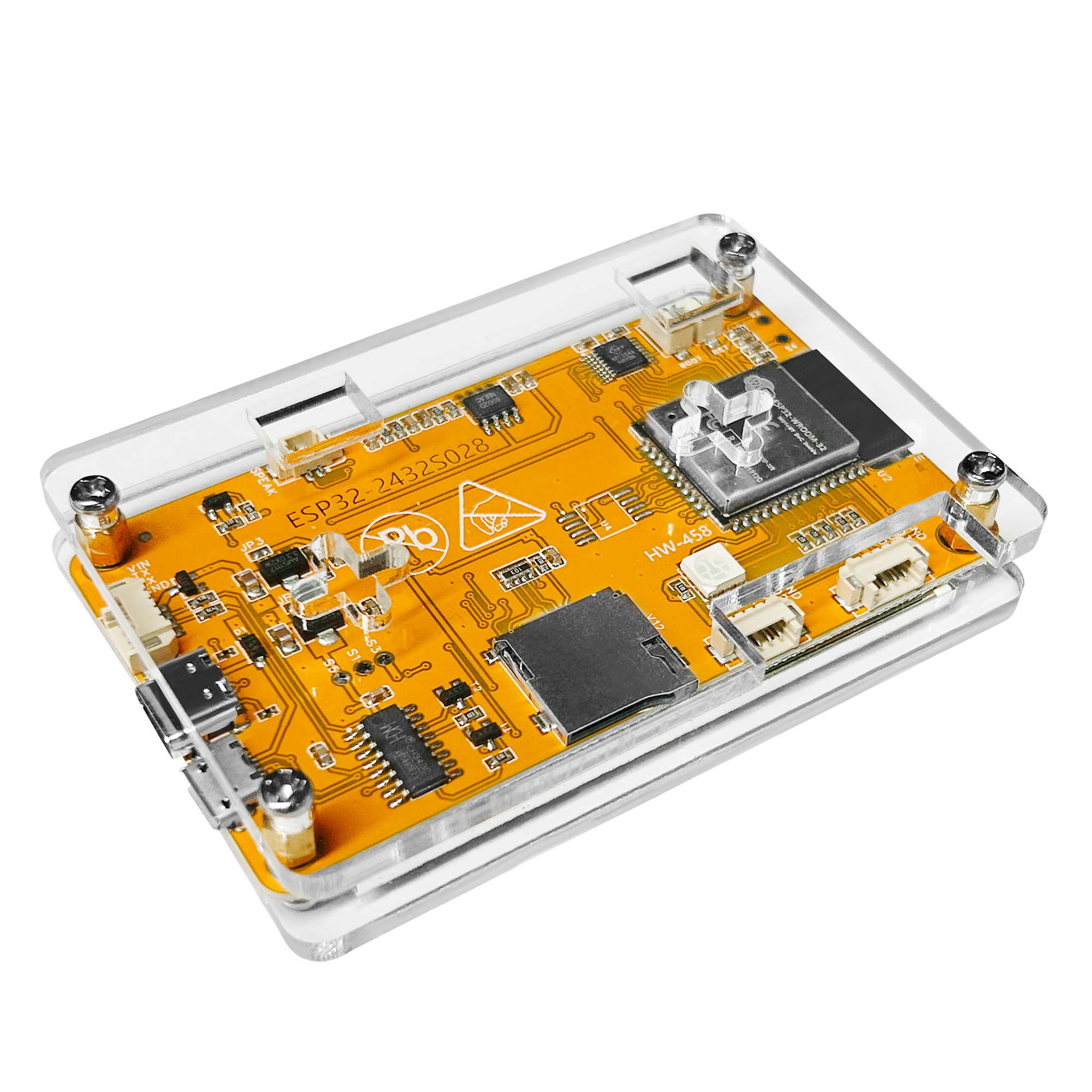
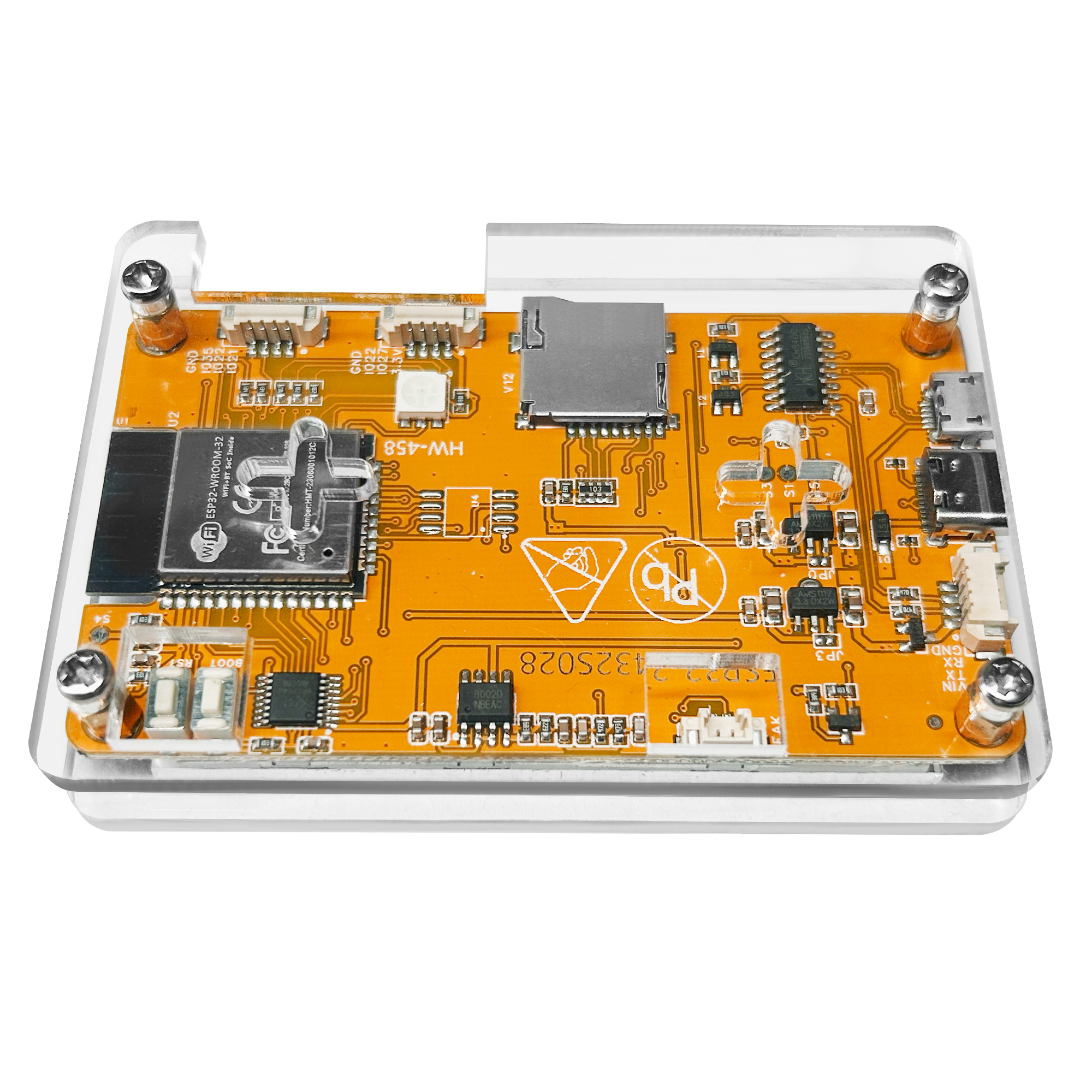
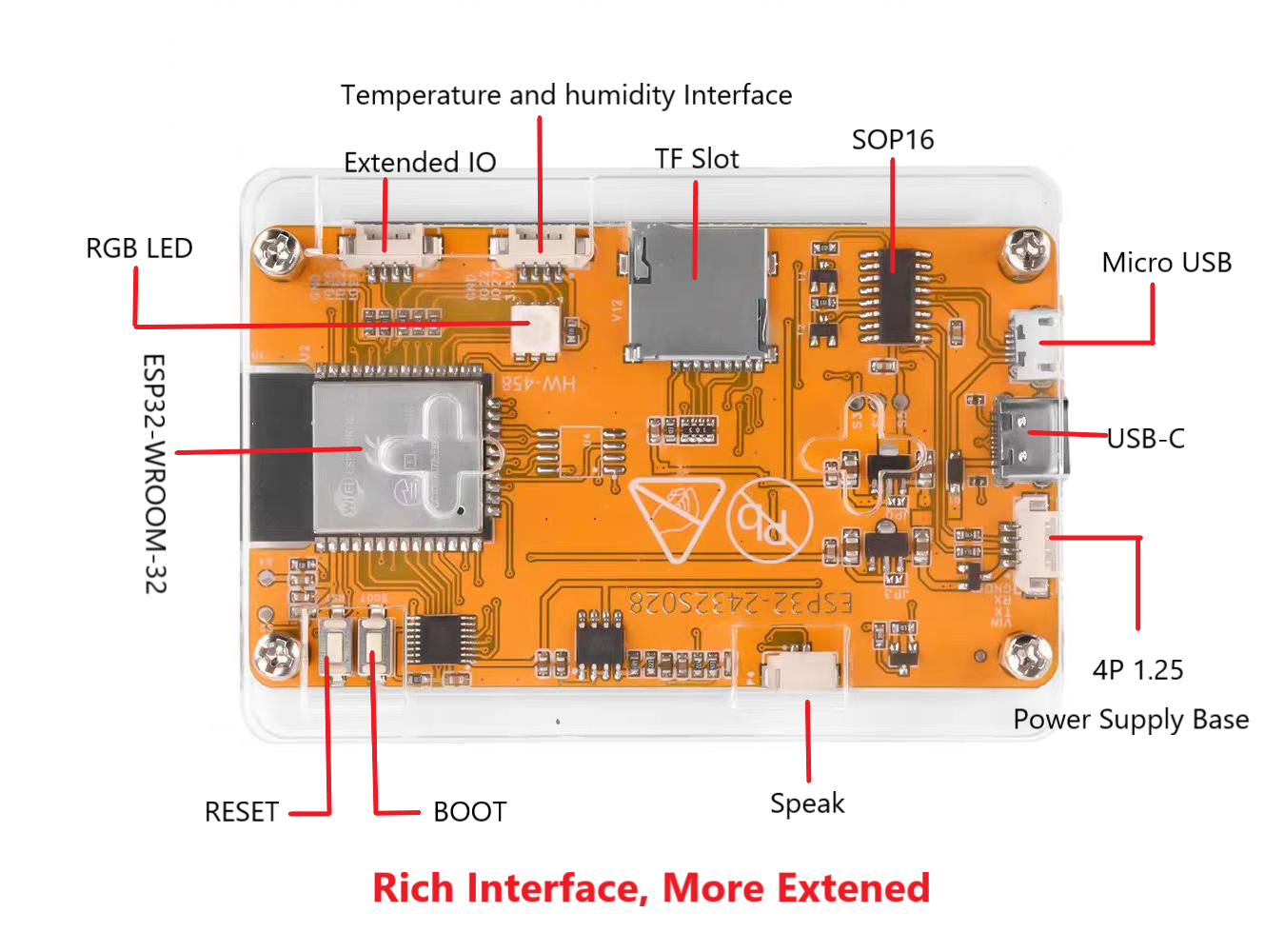
NMMiner Summary
- Standalone with Home WiFi: The ESP32 equipped 2.4G WiFi, support solo mining. No External computer is needed.
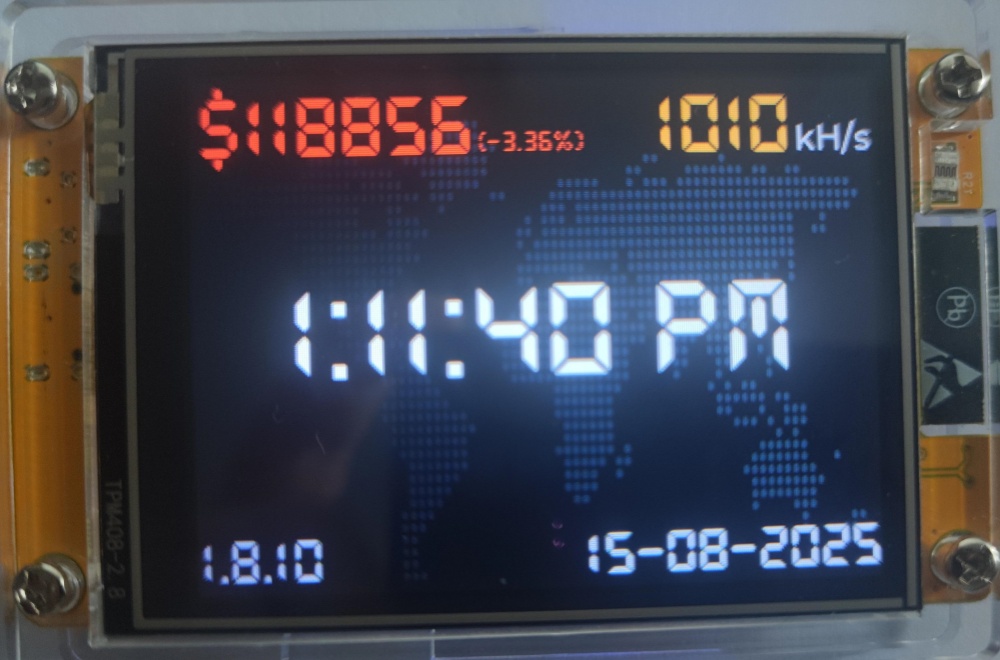
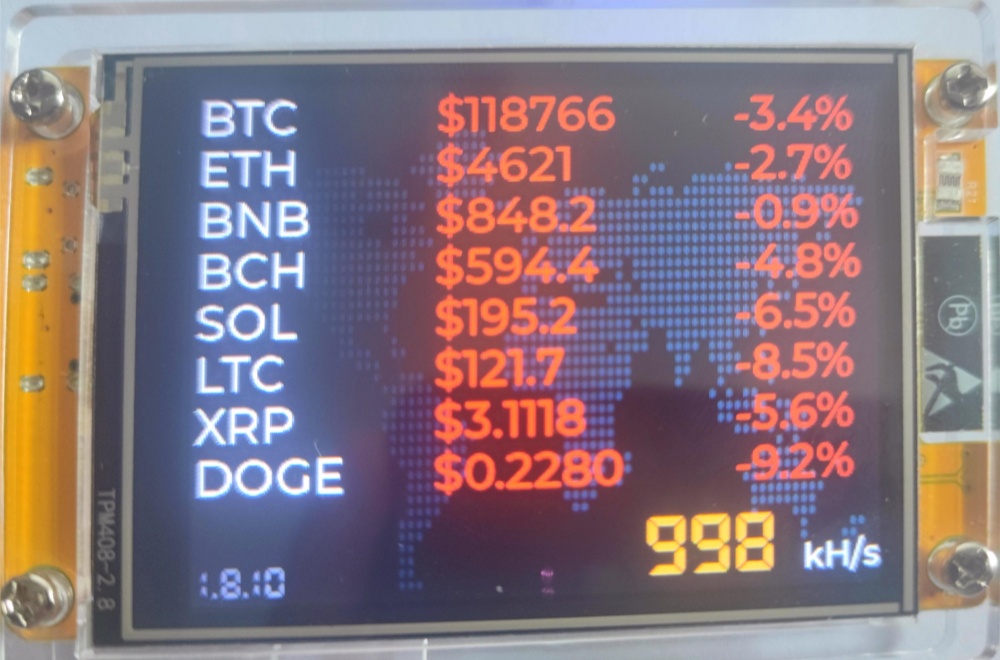
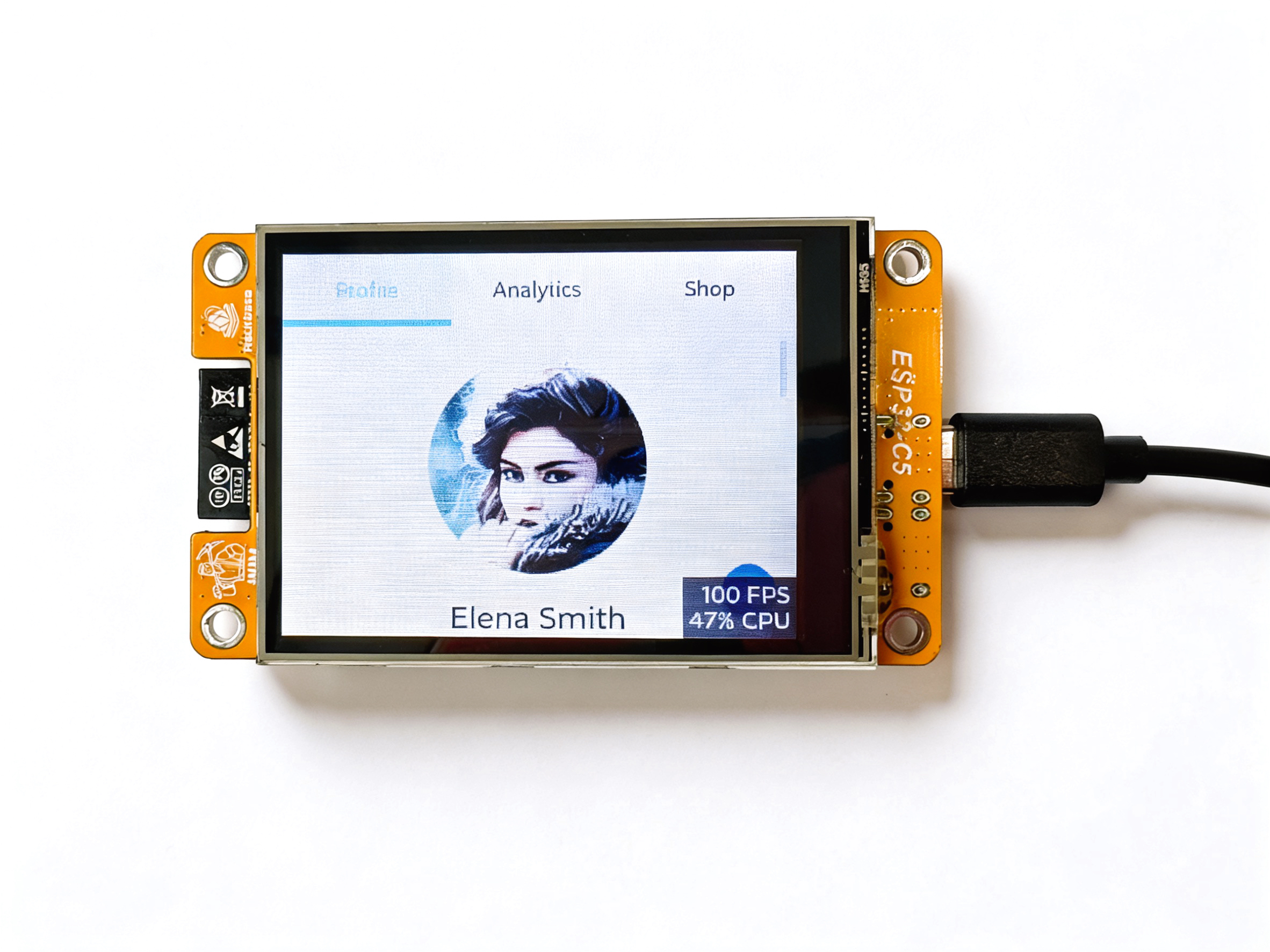
Desktop Clock and Market Price
Main Features
Lower power consumption.
How to config the NMMiner easily?
With the NMMiner web-flash-tool, https://flash.nmminer.com, you can config the NMMiner more easily.
Update the firmware
Step 1: When you first get the device, you should choose the device type you have, choose it and Connect and Program.

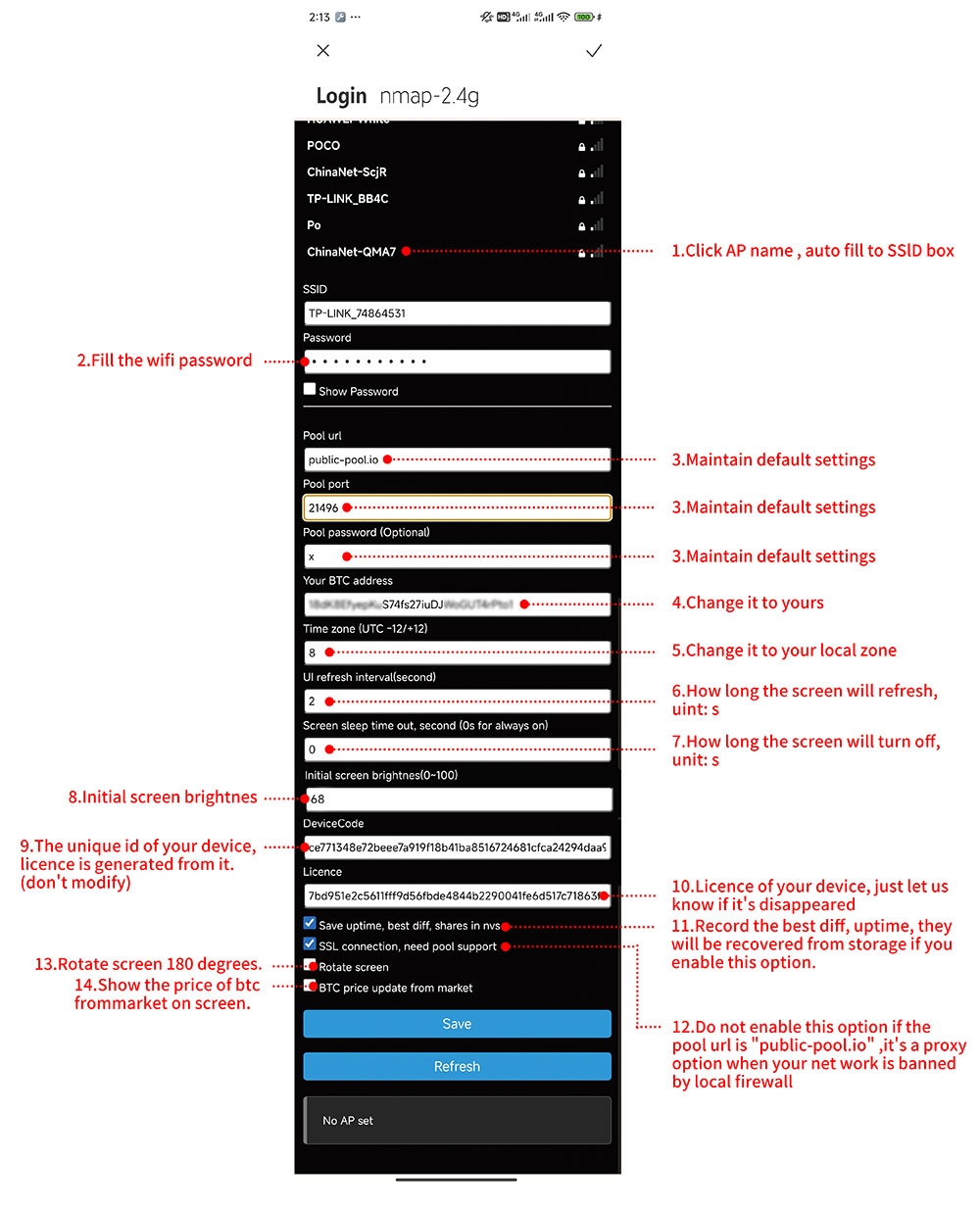
Step 2: When the NMMiner works well, you can see the WiFi and BTC address configure input box Input your WiFi SSlD and password, BTC address, config the device. lf everything is ok, you can see the Hashrate report from the Console.

Console Only
If you don’t need to update the firmware, just check the Console only, the NMMiner will run, then you can config it as【Update the firmware】 Step 2.

Bitcoin Lottery
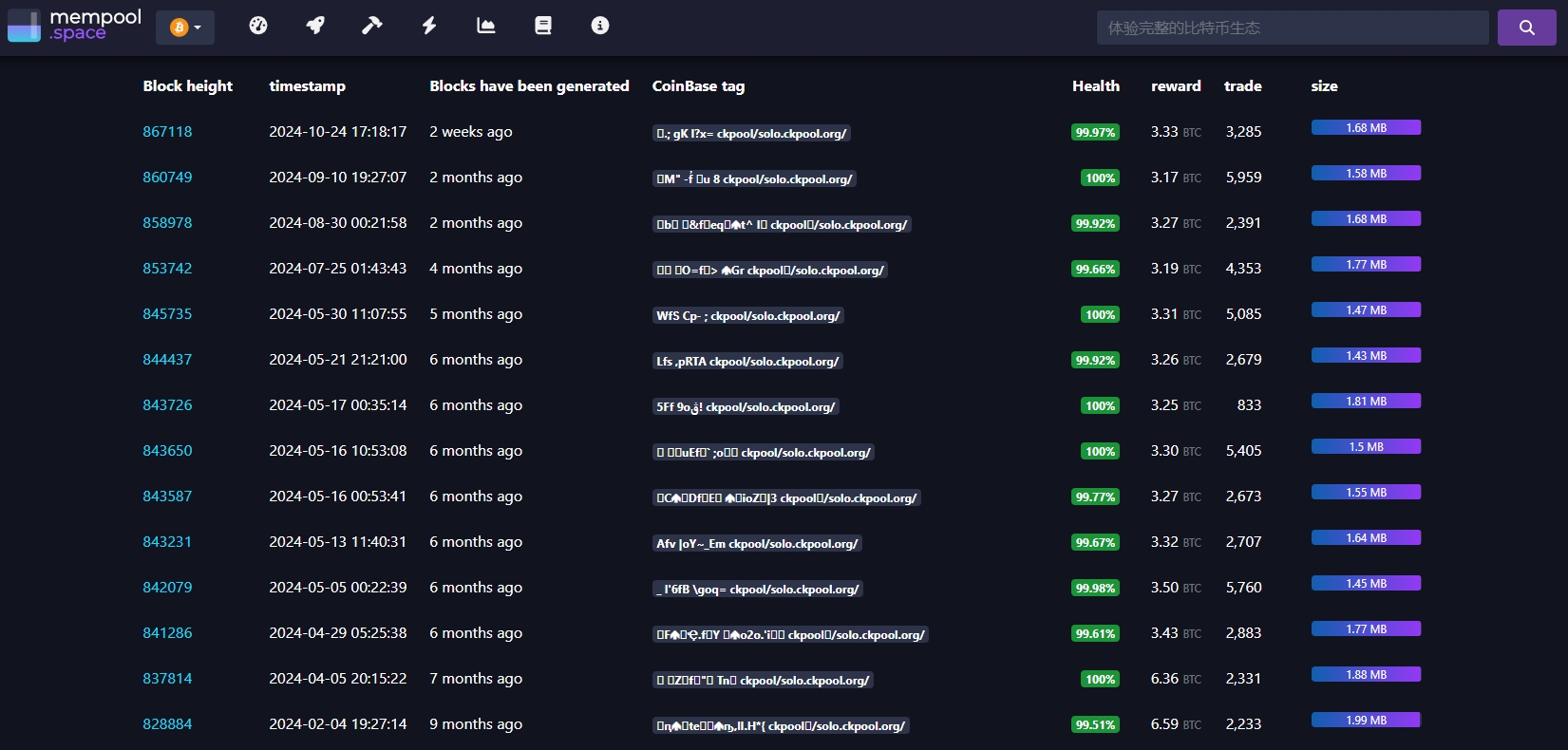
The lottery value is ~3.125 BTC, approximately equal to $220,000.
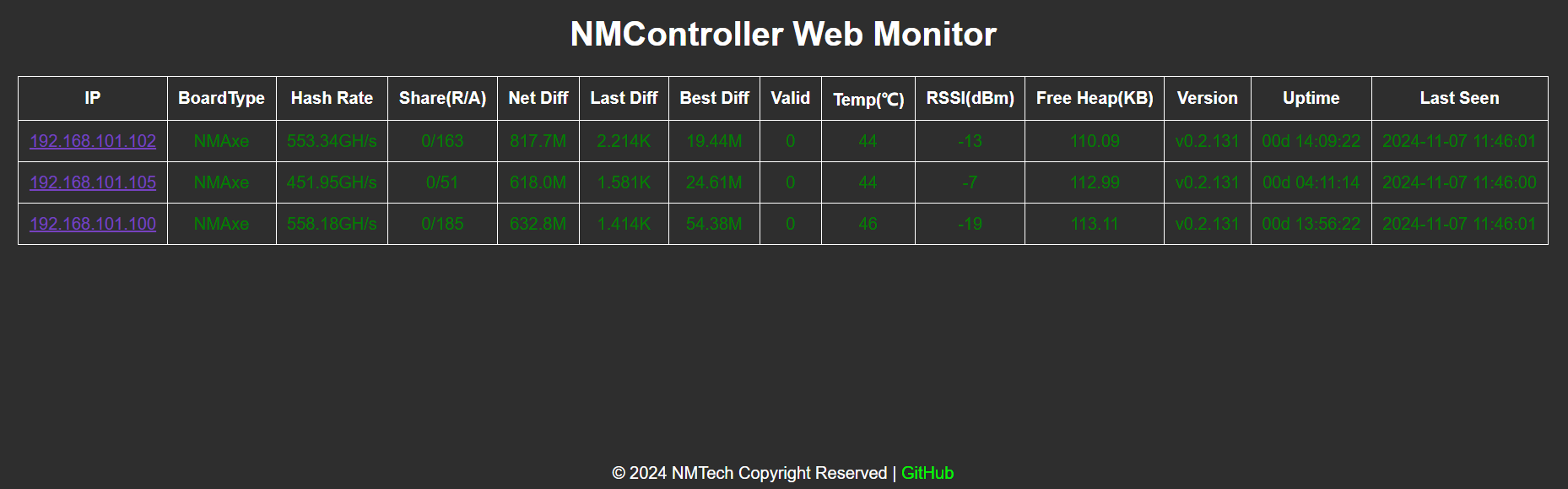
The screenshot is the recent data of CK Pool. The data shows that there is a lucky winner about every month.
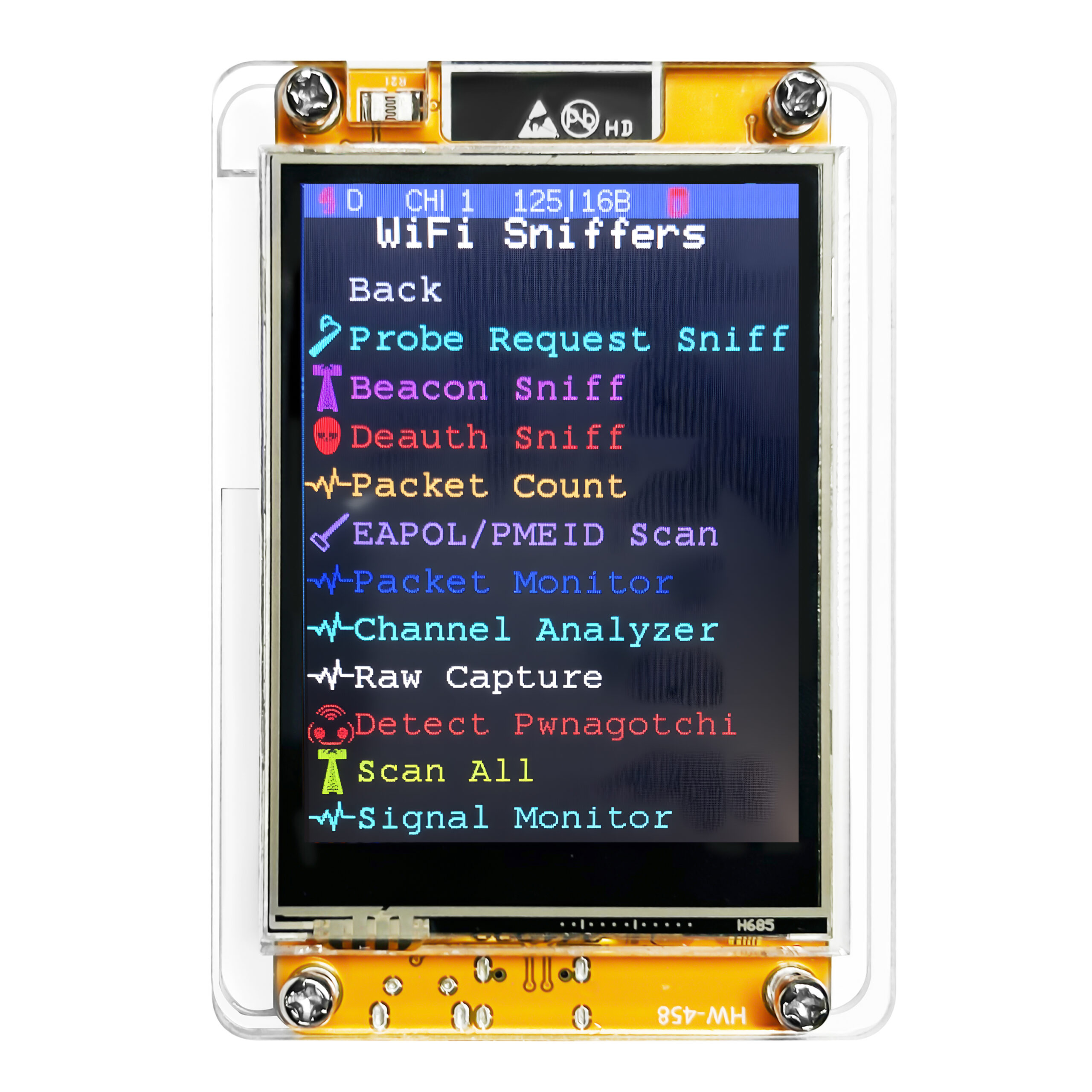
L –
Can u help me.i have nmminer.but IT IS Frozen on 89% and screen is just white .no colors
NMMiner –
1. you can update to newest version from https://flash.nmminer.com
2. you should check the BTC address of your config;
3. check your pool address
Davide Solazzo –
Do you need a license to use the NMMiner CYD ?
NMMiner –
no, the official version is NMMiner License Inside.
Syl Re –
Is it possible to mine other SHA256 coins solo or BTC only?
NMMiner –
support SHA256 coins, but need the solo mining pool support LOW Hashrate device first.
harold billingham –
great bit of kit. but only for education.
Jesse –
Does the license cost cover more then one (1) of the same device?
NMMiner –
No, one device need a license. if you bought the hardware from us, it’s NMMiner Inside, do not need license any more.
Hud –
How do I change my miner to mine for other cryptocurrencies?
NMMiner –
you just need to enter Config Mode, or config from the device’s web service from it’s IP
Johnny Eye –
Mine shows only “1 Worker”. I see pictures of people with many workers, how do I increase the number of workers?
NMMiner –
add more device in a same network, the swarm will collect the NM series devices.
FOURNIER –
Bonjour,
Est ce que je peux envoyer les gains potentiel vers une adresse BTC qui m’appartient, si oui comment fait on
NMMiner –
of course, you just set your BTC address during Configuration.
long press the BOOT button to the config mode.
Solo Miner –
Awesome product.
Do I need to change the BTC address to my own personal address? How does that work in the (slight) chance of winning the lottery?
NMMiner –
of course you should change the Address to yourself. then you can check it from the mining pool
Ethan –
How do I know if my solo miner is even linked to my wallet
NMMiner –
you can check your wallet address from the pool, you can see the miner status, the hashrate from pool = the local hashrate
sorin –
where is the btc wallet?
NoQuarter (verified owner) –
My miner sits at 80% after running the config
Pool address is: public-pool.io:21496
Jason –
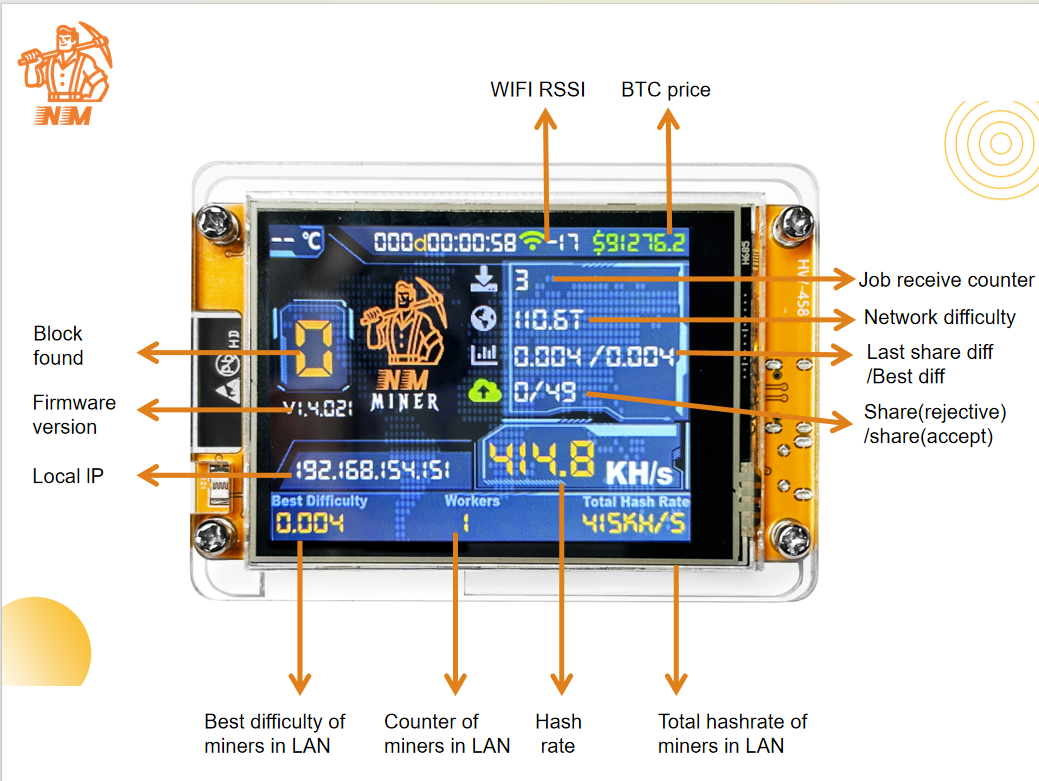
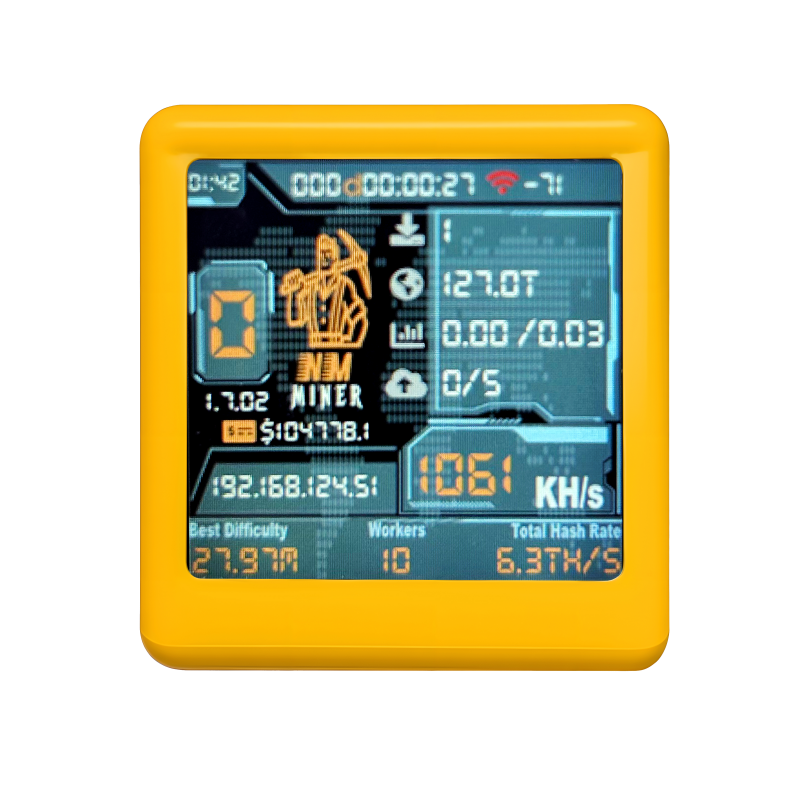
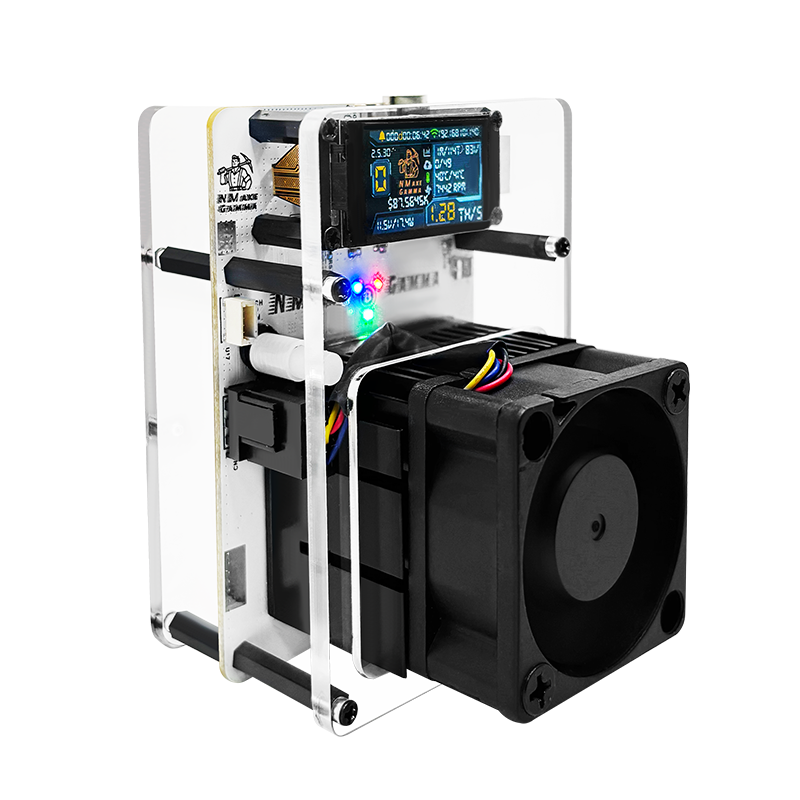
How do I interpret what’s on the screen?
David –
Im failing to see how to update the miners to the newest version. I go to the web based flash tool and all it says is web flasher loaded. do i just need the .rar file or do i need the source code as well
NMMiner –
do not need a .rar file any more. just , choose the right device type.
device device type
CYD 2.8 ( Cheap Yellow Display) esp32-2432s028-st7789 or esp32-2432s028-ili9341
CYD 2.4 esp32-2432s024
CYD 3.5 esp32-3248s035
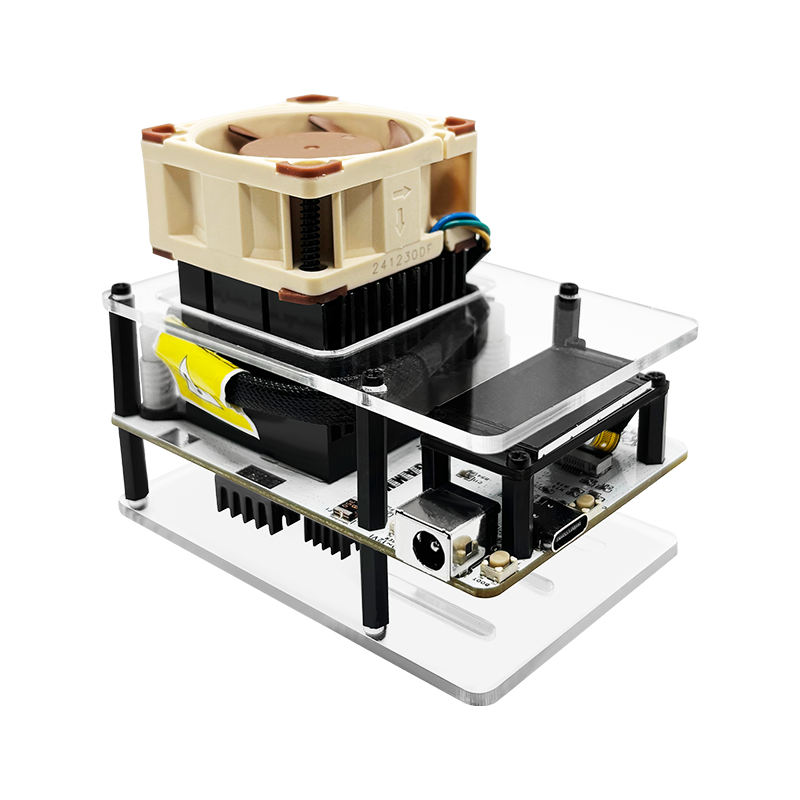
NM-TV ( yellow, pink, white, black) nm-tv-154
nm-bot-chain nm-bot-chain-v1
nm-usb-chain nm-usb-chain-v1
Sergio –
Hello.
Which is the correct device to choose from the flash miner site/app?
NMMiner –
it depends on the device you get, many types are supported.
J Caprara –
Set it up and I need to get back into it but it is asking for a password and I don’t recall it
NMMiner –
do not need password, you just need the BTC address
Tim S –
Fun device, but after updating firmware, my screen is just white. Nothing shows. There’s 2 versions of ESP32-2432S028R on the device list. How do I know which one, or know what baud rate to use?
NMMiner –
maybe you choose the wrong firmware, the EPS32-2432028R have 2 drivers, maybe you can try the esp32-2432s028-st7789 one, if not work, try esp32-2432s038-ili9341
Rob –
Where do I go online to view my solo miner
NMMiner –
try to see the blog:
https://www.nmminer.com/2025/11/22/how-to-start-your-nmminer-journey/
Eammon –
I flashed my NMMiner and it’s lost the license file, how do I get it relicensed? The site says no fee required, but the license tool wants $2.99 to generate a key.
NMMiner –
you should use our web flasher, https://flash.nmminer.com
when flashed, just wait, the web will give you license for free.
Pi31478 –
Hey !
How I may connect two NMMiner CYD — ESP32 BTC together ? May I use the cable delivered with them or do I need another cable USB-C / micro- USB-C ?
Regards
NMMiner –
i think you can get another USB-C cable, you can see this, i’m not sure if you want like this.
Stranger –
Hello
I have “ESP32 BTC SOLO Lottery Miner with Cheap Yellow Display” with NmMiner v1.8.23
Can I use it to mine DigiBite (DGB)?
Thank you!
NMMiner –
yes, The reference DGB SOLO Mining Pool support low hash rate device:
stratum+tcp://dgb-stratum.solominer.net:3333
by the way, You need to change the address to a DGB address
Joe –
I have several of these mining and they are very simple to configure! I am looking to update the firmware for my miner (model # on the MB shows as “ESP32-32E”). The web flash tool model drop down does not show this model in the list. Is there a model in the list that corresponds to the model I have that I can choose? Thank you in advance!
NMMiner –
we update version v1.8.25, add the 3.2 inch and 4.0 inch device, you can try.
nickdaw –
Can I use the ESP32 BTC SOLO to mine XRP?
thanks
NMMiner –
no, ESP32 do not support to mine XRP
John –
I plugged in the Miner and the flashing blue, red, green lights stopped flashing now I have a steady red light. No screen activity, I tried resetting and rebooting but it still wont work. Can I get a refund?
NMMiner –
https://flash.nmminer.com, when you flash, you should check the device type, for NMMiner CYD you should choose esp32-2432s028r-st7789 or esp32-2432s028r-ili9341.
you can see more from the blog, flash-correct-nmminer-to-cyd
Michael Arida –
I also flashed my NMMiner and it’s lost the license file, I went to the webflasher tool – https://flash.nmminer.com and I have been waiting for over 30 minutes, but it still says “license not found in nvs, Waiting a license from UART”. What else do I have to do to get the license code back?
NMMiner –
the web flasher will send you the license, still can’t fix it, send email to us: support@nmminer.com
Tinyminer –
How to set up for other coins
Like BCH/LTC/XRM and others is there a list with needed information somewhere??
NMMiner –
only support SHA256d coins, like BCH/DGB/XEC.
Dan –
I have one NMMiner with the yellow board which says ESP32E_2.8inch on it. It worked with firmware 1.8.22. I tried to update it with the web flash tool, but it seems I did not find the right model. How can I find out the right model. The in I have is exactly the one displayed on this product page.
Thanks
NMMiner –
esp32-2432s028r-st7789 (default) or esp32-2432s028r-ili9341.
Mike –
What crypto can we mine and how do i find the mining pools for the different cryptos?
NMMiner –
only support SHA256d coins, the mining pool you can search from google, make sure it’s solo mining pool and support low hashrate device.
Peter (verified owner) –
Hello I have two mini miners with yellow cheap display. No matter how I try I cannot update them do new software. Do I need to plug them by usb to my pc to be able flash them? Thanks.
NMMiner –
yes, then from https://flash.nmminer.com to update it.
Tinyminer –
where do i go to change to BCH or other Sha Coins from in nminers.org pool or do i just put in the wallet address for the coin im want to mine into the setup page and it will only mine that coin and not BTC i know its a longshot in hell to win a btc but dont want it going to bch wallet and gets lost
Cal3b –
My miner lost Wi-Fi connection, how can I reconnect it?
Tinyminer –
are these CYD ESP32s programed for BTC only, Does the nmminerspool.org 3333 only mine BTC or all SHA 356 coins
Chris –
The online updater is not working for me. As soon as I try to connect it, it restarts and shows “Couldn’t sync to ESP. Try resetting.” More than one unit doing the same thing.
NMMiner –
you can see more from our blog how-to-start-your-nmminer-journey. your problem, first you should make sure you installed the CH340 driver; sencond, you can press BOOT pin to enter BOOT mode, then update the device.
vorbelutr ioperbir –
I am continuously searching online for tips that can assist me. Thx!
Noah –
Hi guys so i have a few questions
1. What pool should this thing be mining in the factory addresss in the device.?
2. If it does solve a block how do i recieve/ send it to a wallet address or exchange.???
3. Other than seeing hashrate on screen is there any way to prove that its trying to solve the block.?
kai –
1 have 4 NMMiner NerdMiner CYD with firmware v. 1.8.10 I have try upgrading to v.1.8.27 but now it will not boot.
I have used https://flash.nmminer.com/ to upgrade and while connected it works fine, but not when connected til usb charger.
What can I do to make it run on charger?
Can you tell me the primary and fallback addres for pol 21496
Brian –
Are the miners purchased ready to go? Are they up to date on firmware and licensing, or does this require programming on receipt?
NMMiner –
All miner flashed the latest NMMiner, do not need to program.
tlovertonet –
Wonderful web site. Plenty of helpful info here. I am sending it to some pals ans additionally sharing in delicious. And naturally, thanks on your sweat!
zimerovertover –
I believe that is one of the such a lot important information for me. And i’m happy studying your article. But should commentary on few normal things, The web site taste is wonderful, the articles is actually nice :D. Good task, cheers