
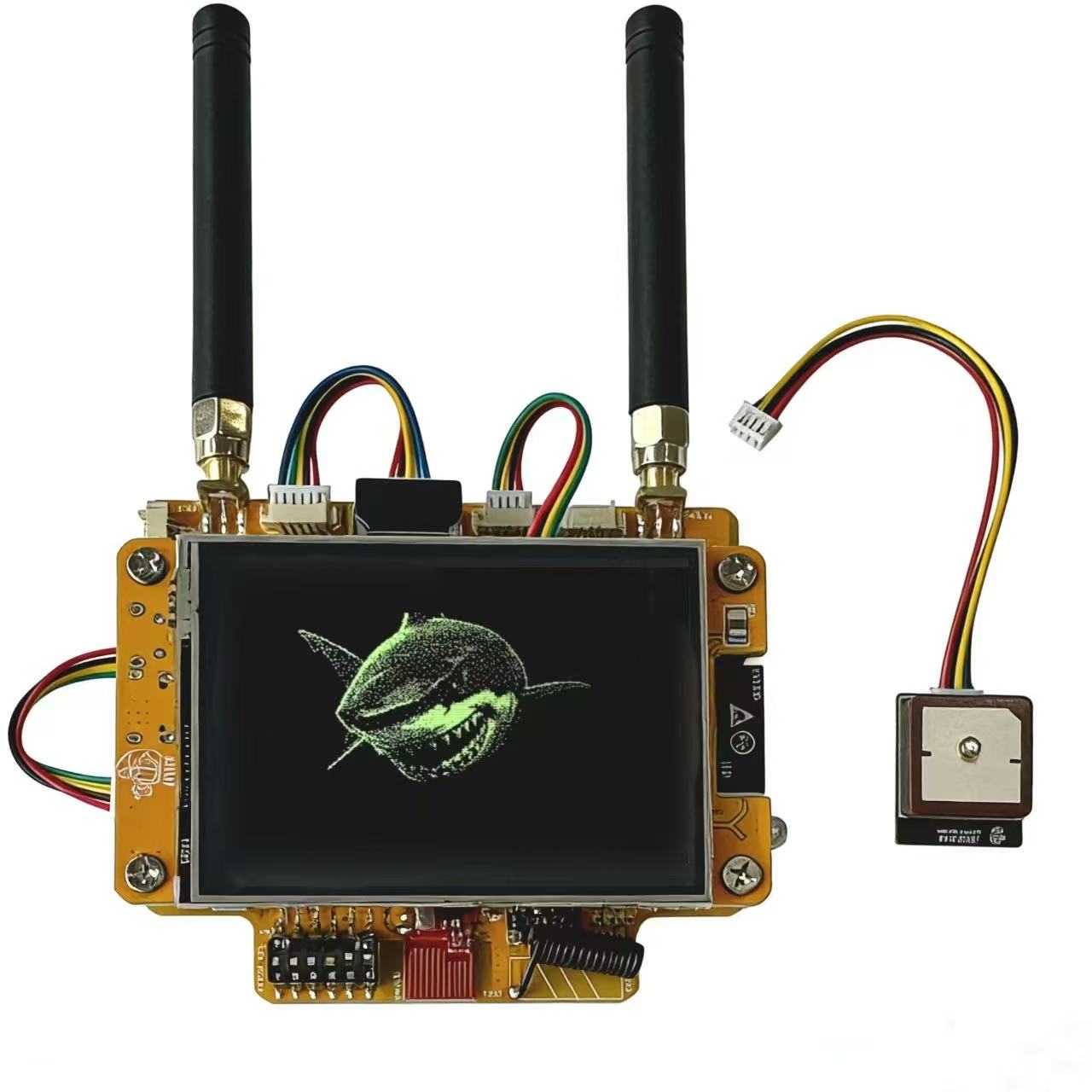
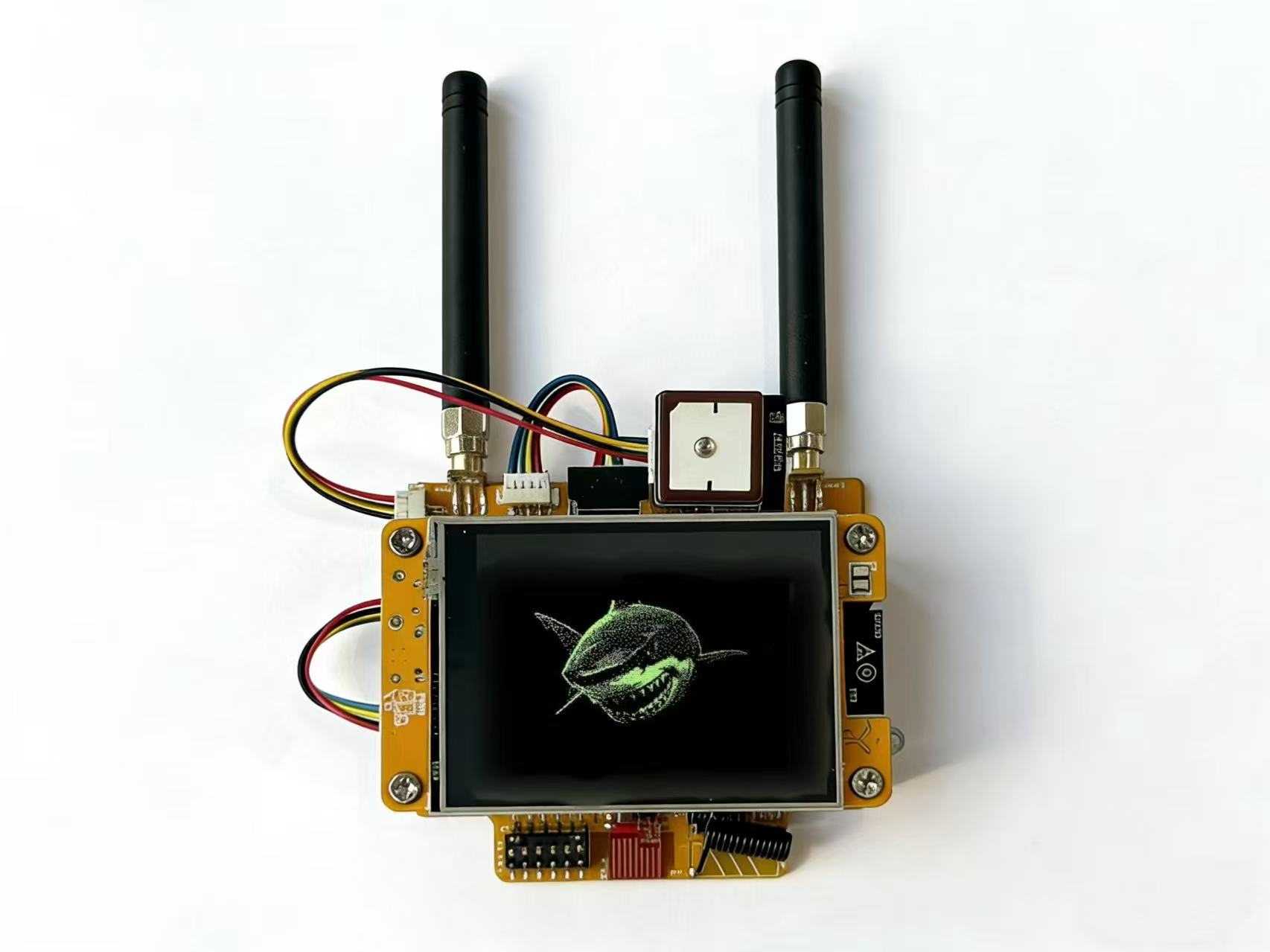
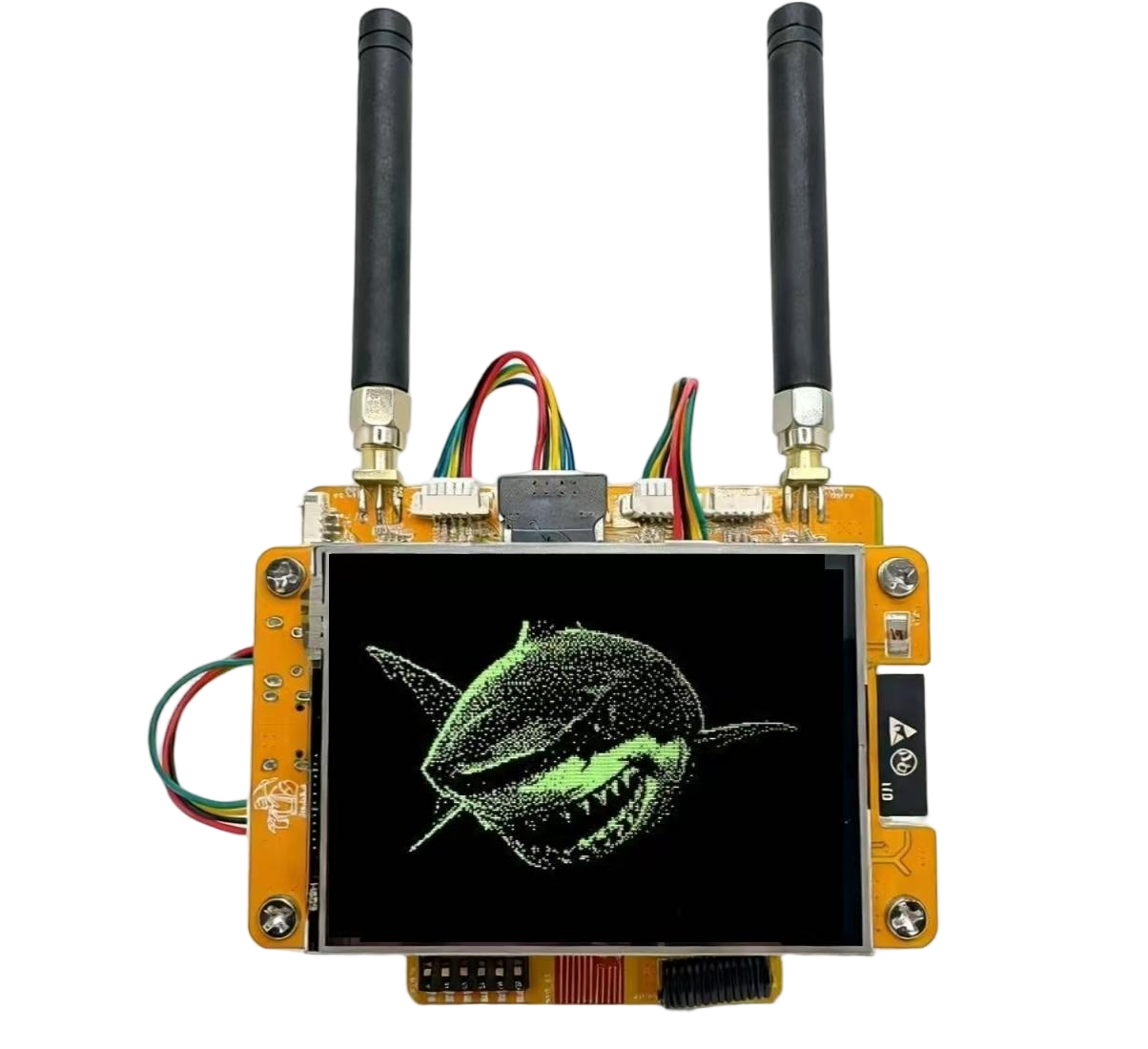
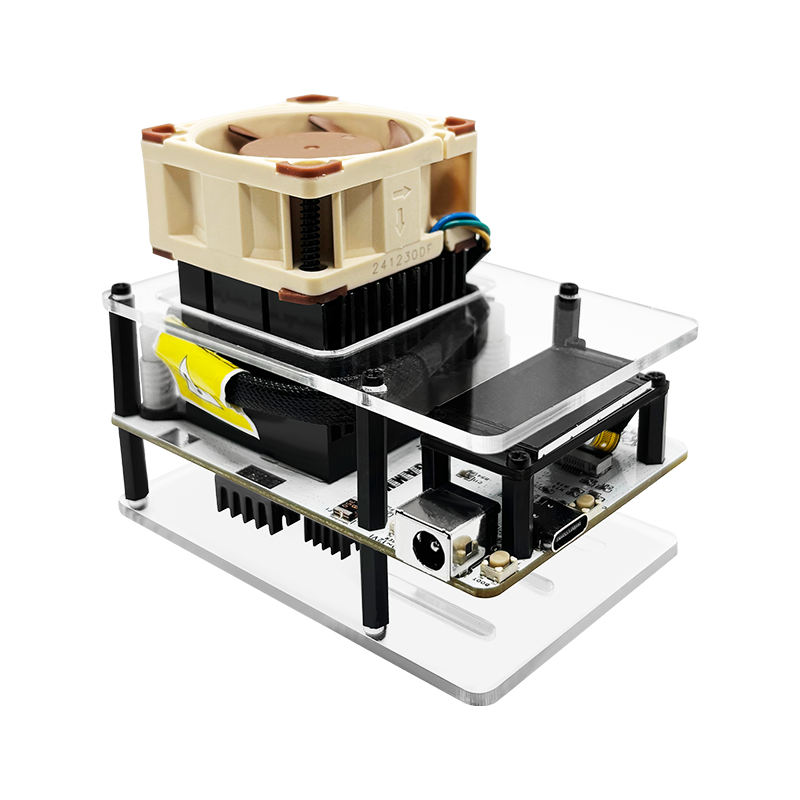
The NM-RF-Hat
Main Features
1. Hardware-Level Conflict Resolution: The RF Switch Breakthrough:
• The Problem Solved: The notorious SPI bus conflict when integrating multiple modules (CC1101, SD Card, Display) is over. We’ve implemented a Hardware RF Switch that allows you to seamlessly toggle between RF modules.
• Plug-and-Play Stability: No more firmware hacks or complex pin remapping. Simply flip the switch to ensure stable, reliable operation across all integrated components.
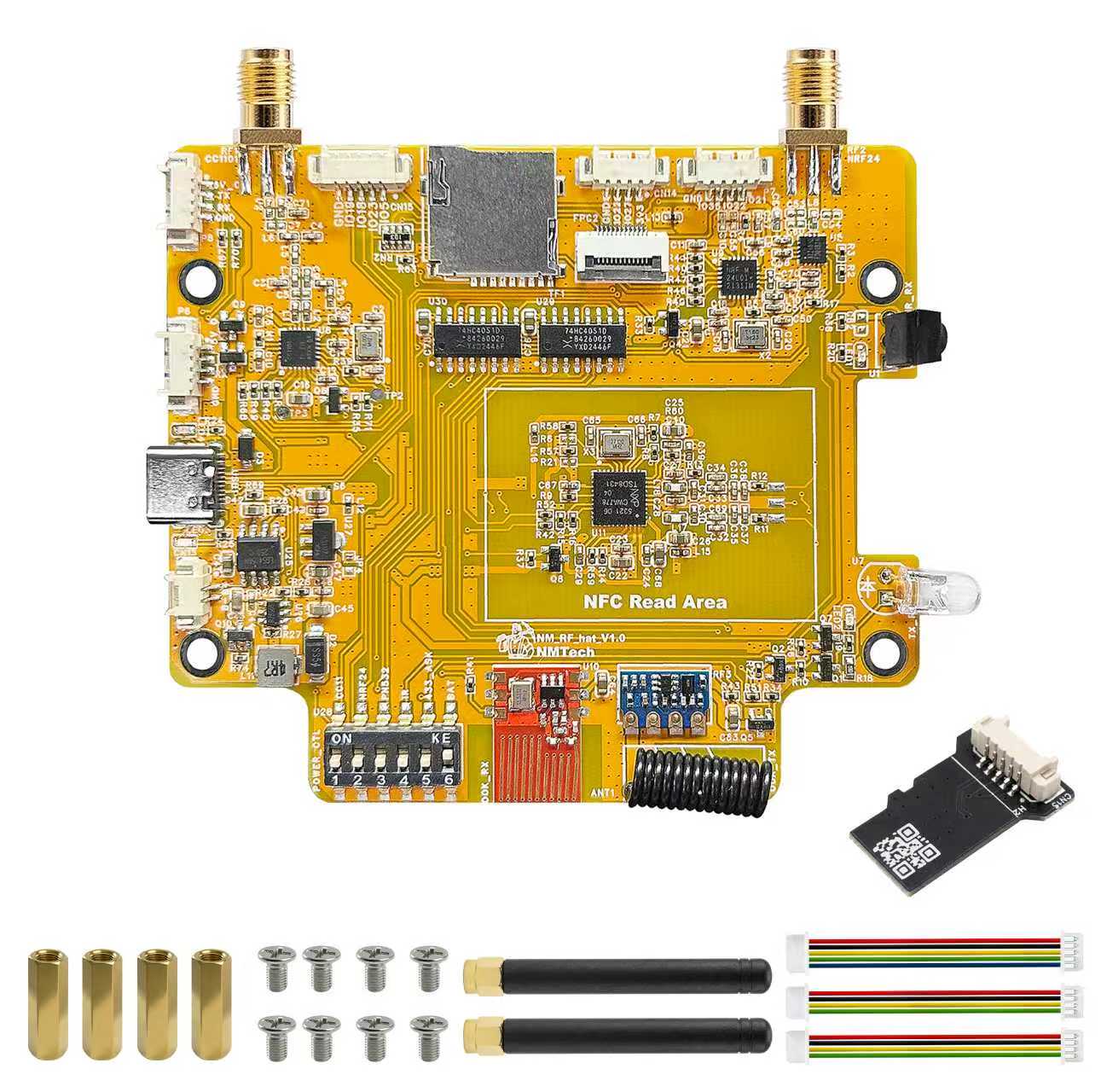
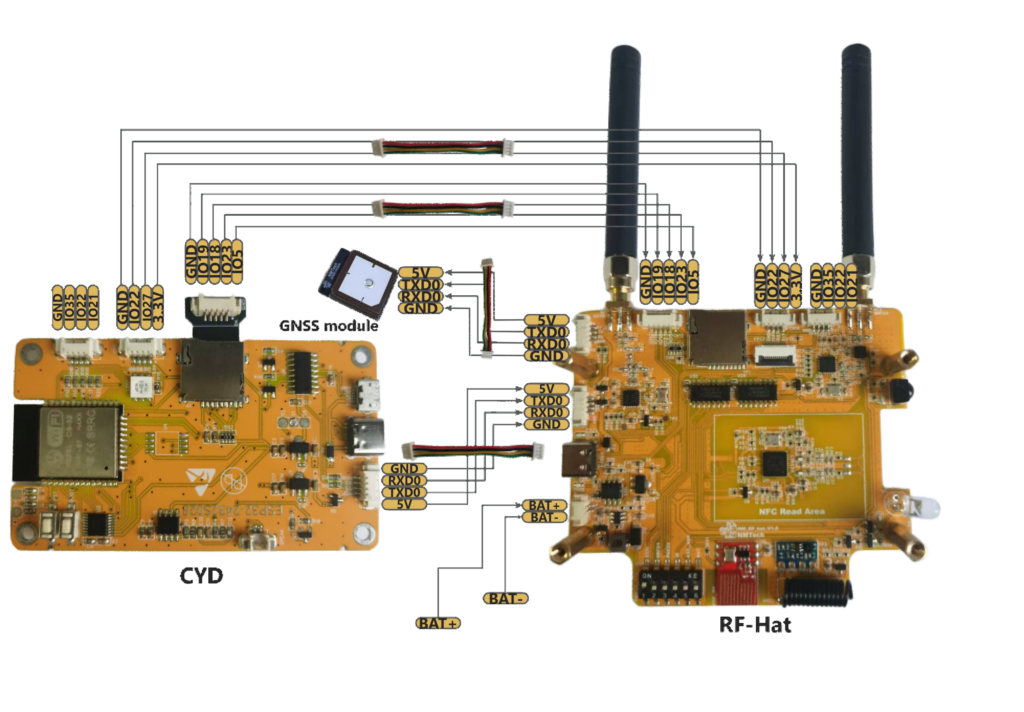
• Minimal Wiring: Designed for simple connection to the ESP32-2432S028 (CYD) via a few dedicated lines ( 2x4Pin Cable, 1x5Pin Cable, 1xTF male Extension Cable), turning a complex DIY project into a clean, modular assembly.
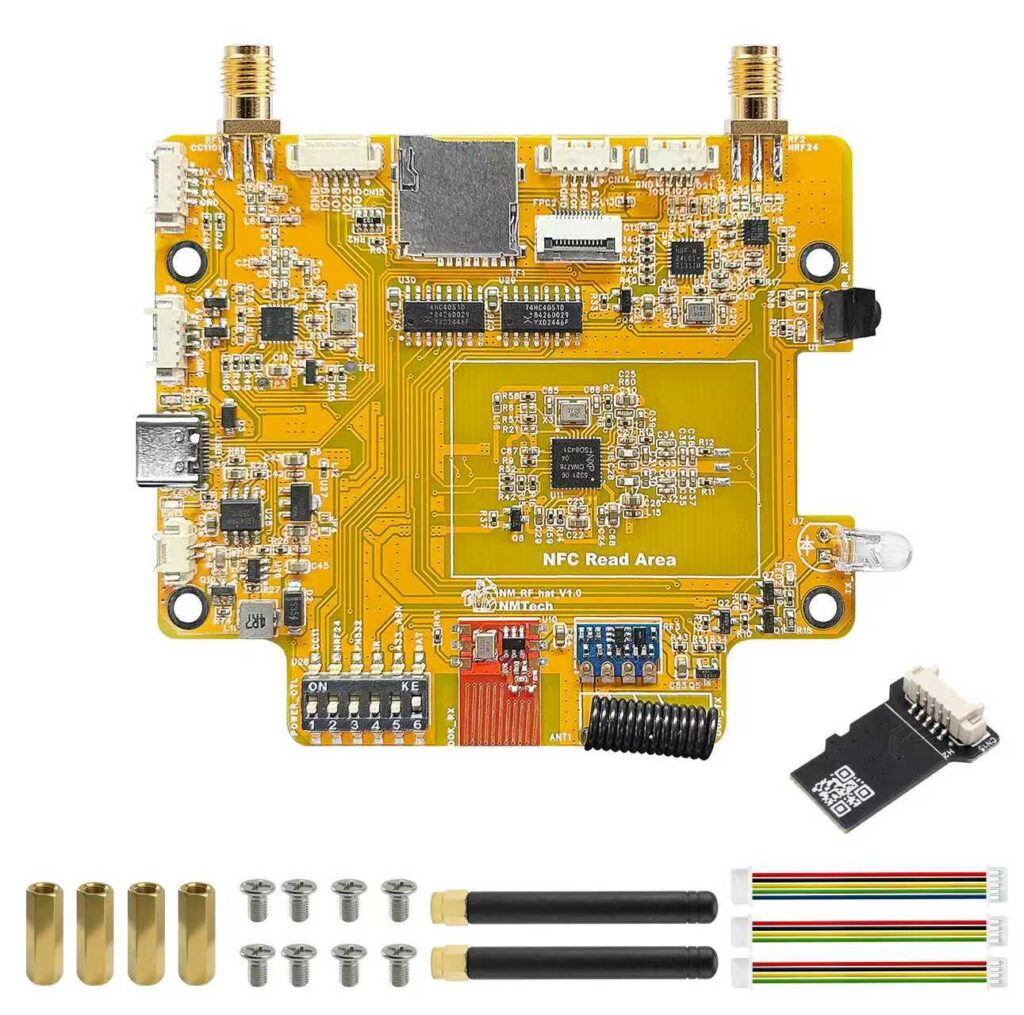
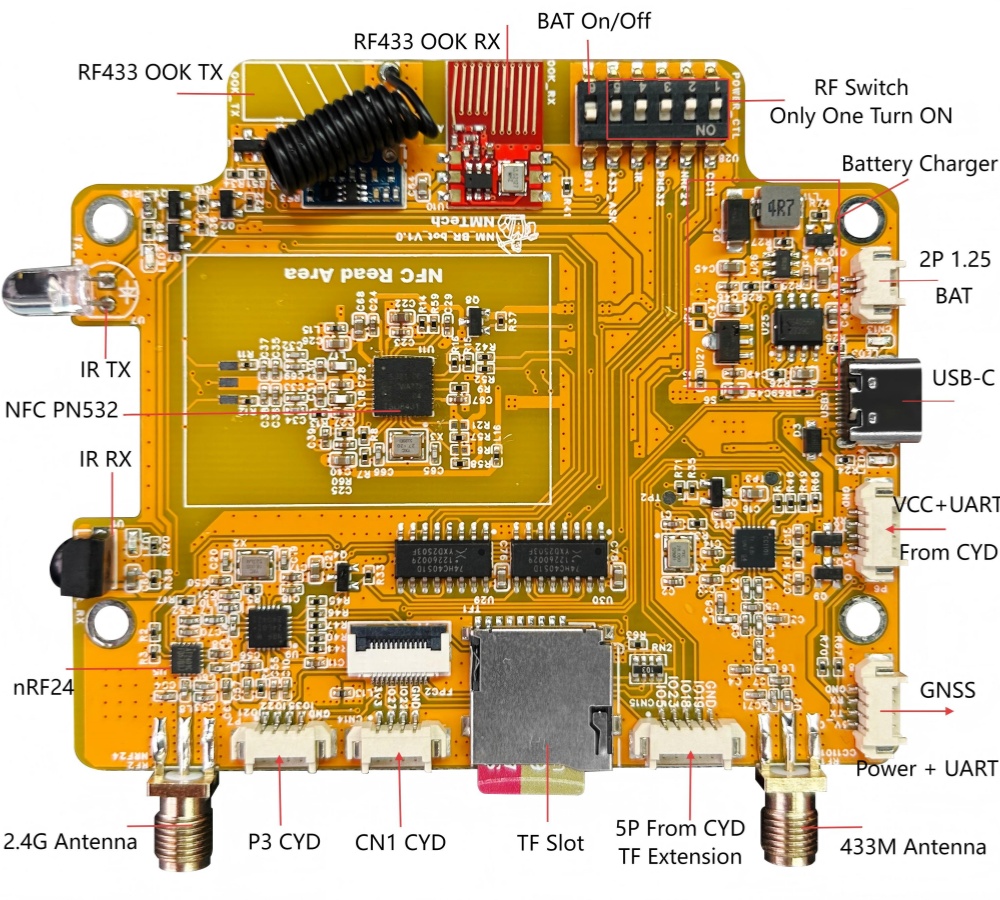
2. Maximum Integration: All-in-One RF & Utility: This single PCB integrates every critical module the Bruce community demands, making it the most feature-complete companion board available:
Module Frequency/Type Function Sub-GHz CC1101 (433MHz) Remote Control, Sensor Capture 2.4GHz nRF24 Wireless Protocol Analysis NFC/RFID PN532 Read, Write, Emulation IR Control IR TX/RX Infrared Signal Capture/Replay RF433 OOK TX/RX Basic RF Transmission Power Mgmt USB-C, BAT Circuit Charging, On/Off Switch Expansion GNSS Header GPS/Location Tracking If you have CYD (ESP32-2432S028) already, only need to flash Bruce-CYD-2USB firmware.
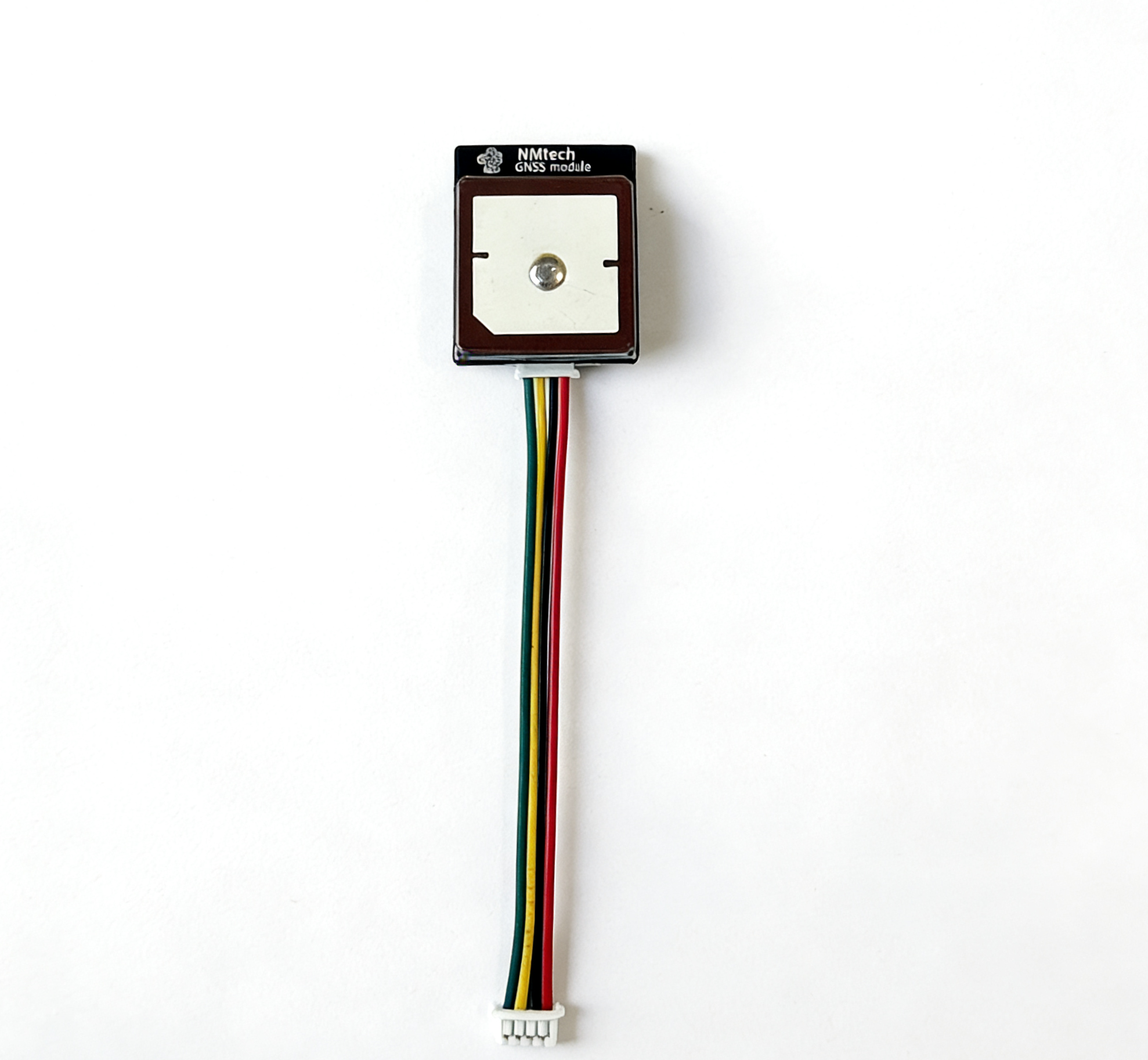
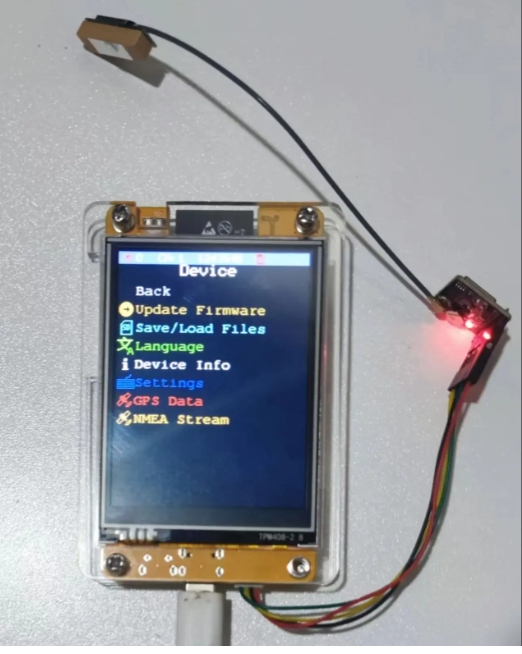
3.NM-RF-HAT GPS Module | Plug & Play:
This NM-RF-HAT new version GPS module features a true plug-and-play design with no drivers or complicated setup required.
It delivers fast satellite acquisition, high sensitivity, and stable positioning even in weak signal environments. Compact and widely compatible with development boards, IoT devices, robotics, and vehicle tracking applications, this module offers strong anti-interference performance and low power consumption for reliable long-term use.
• Upgraded NM‑RF‑HAT GPS module with enhanced performance, faster satellite acquisition and stronger signal stability.• True plug‑and‑play design, driver‑free, no complicated wiring or configuration required, easy to use for all users.• High sensitivity module ensures reliable positioning even in weak signal environments, with strong anti-interference ability.• Compact size and wide compatibility, perfectly suitable for Raspberry Pi, development boards, IoT projects and smart devices.• Low power consumption and durable structure, ideal for long-term working in vehicle tracking, outdoor positioning and robotics applications.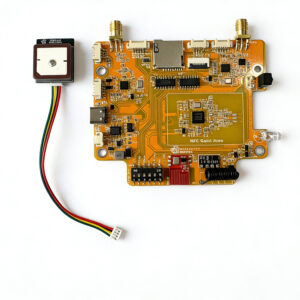
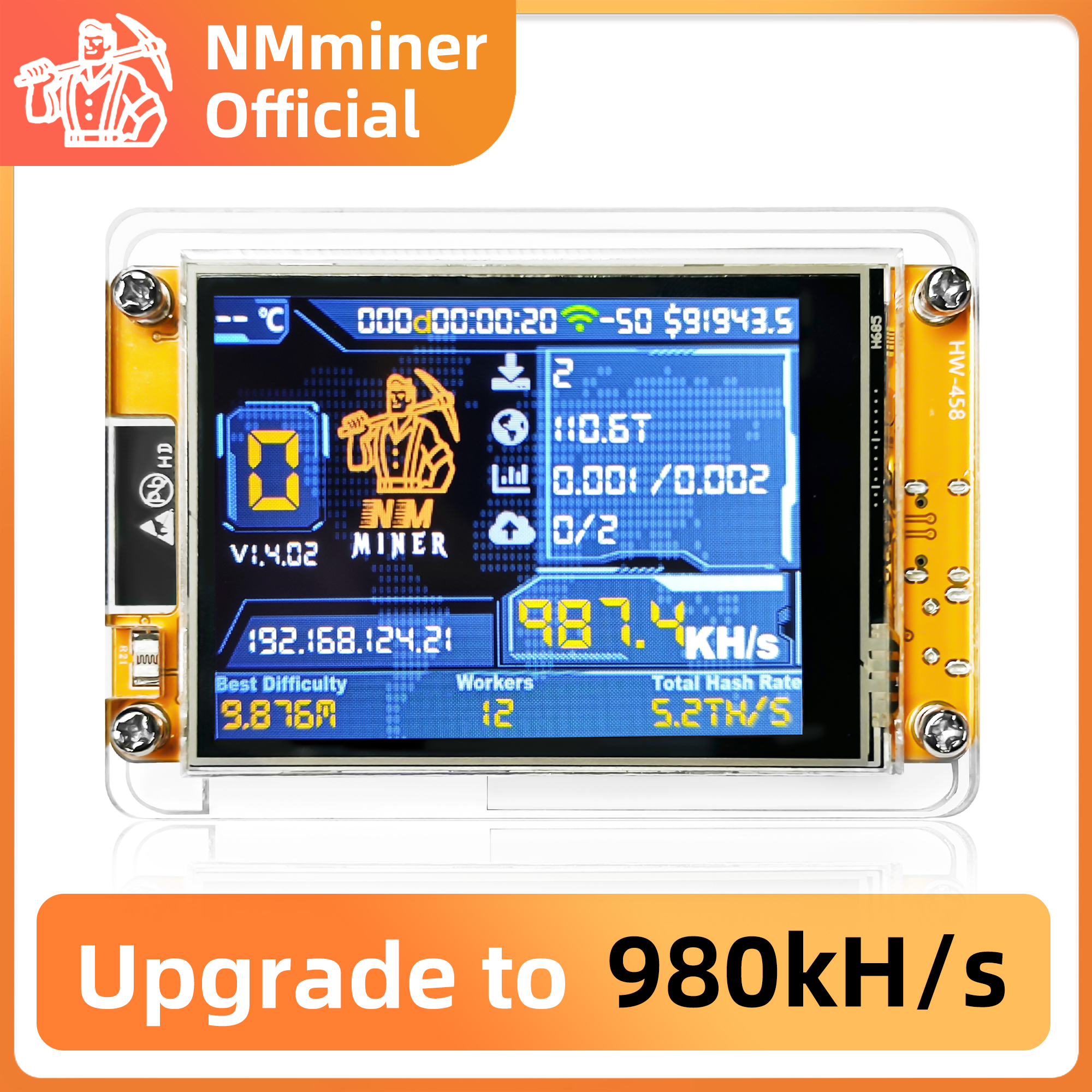
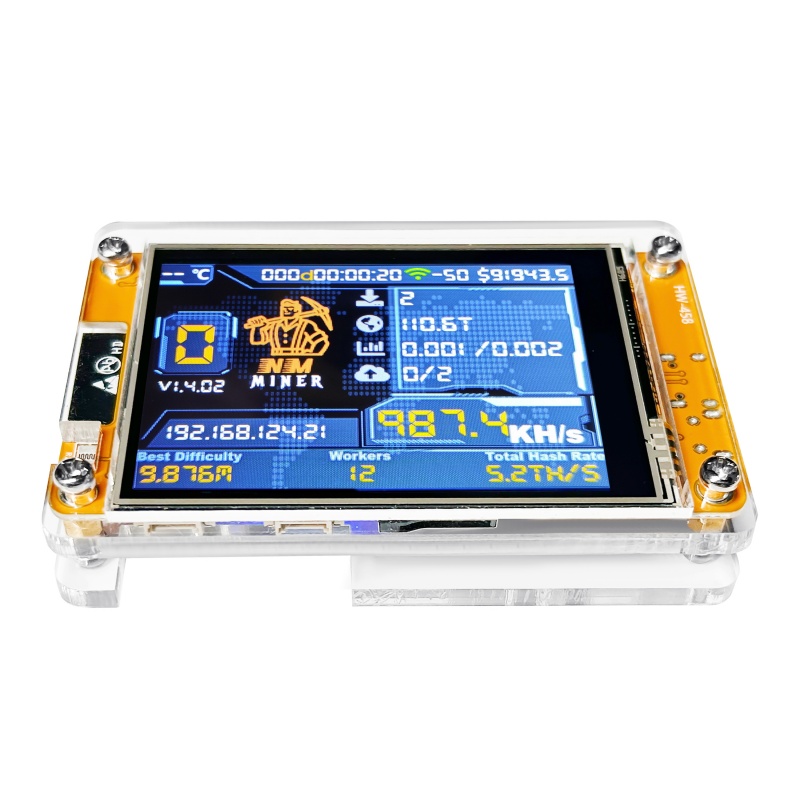
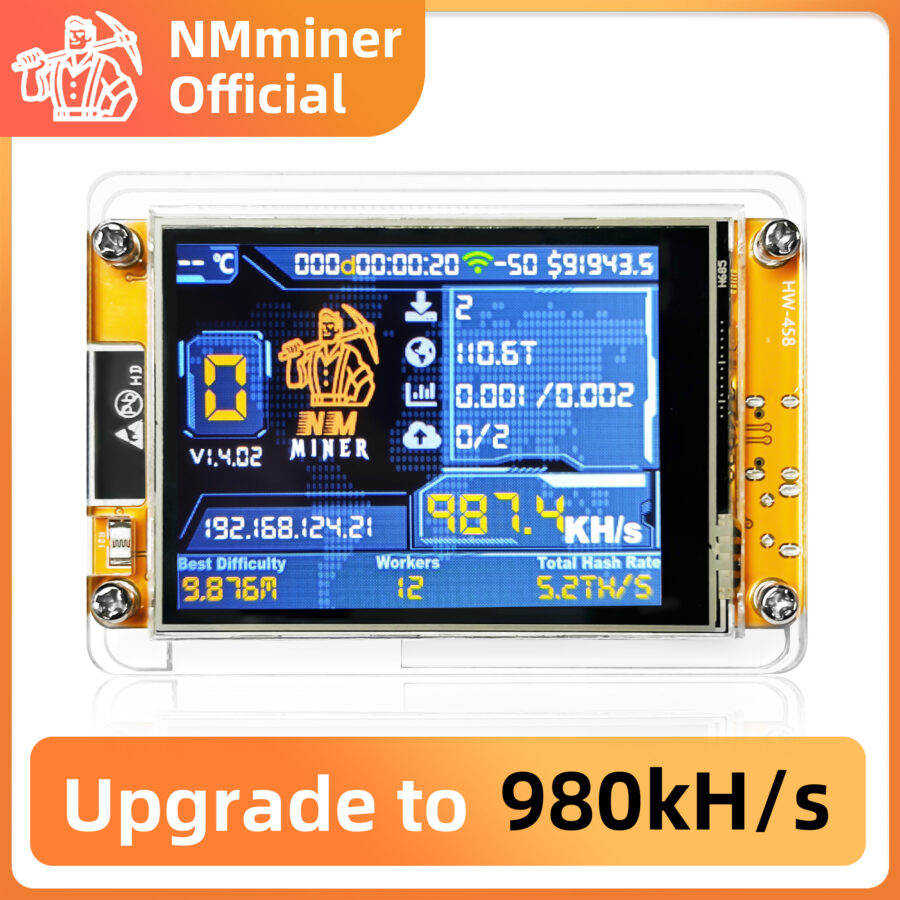
How to config the NMMiner easily?
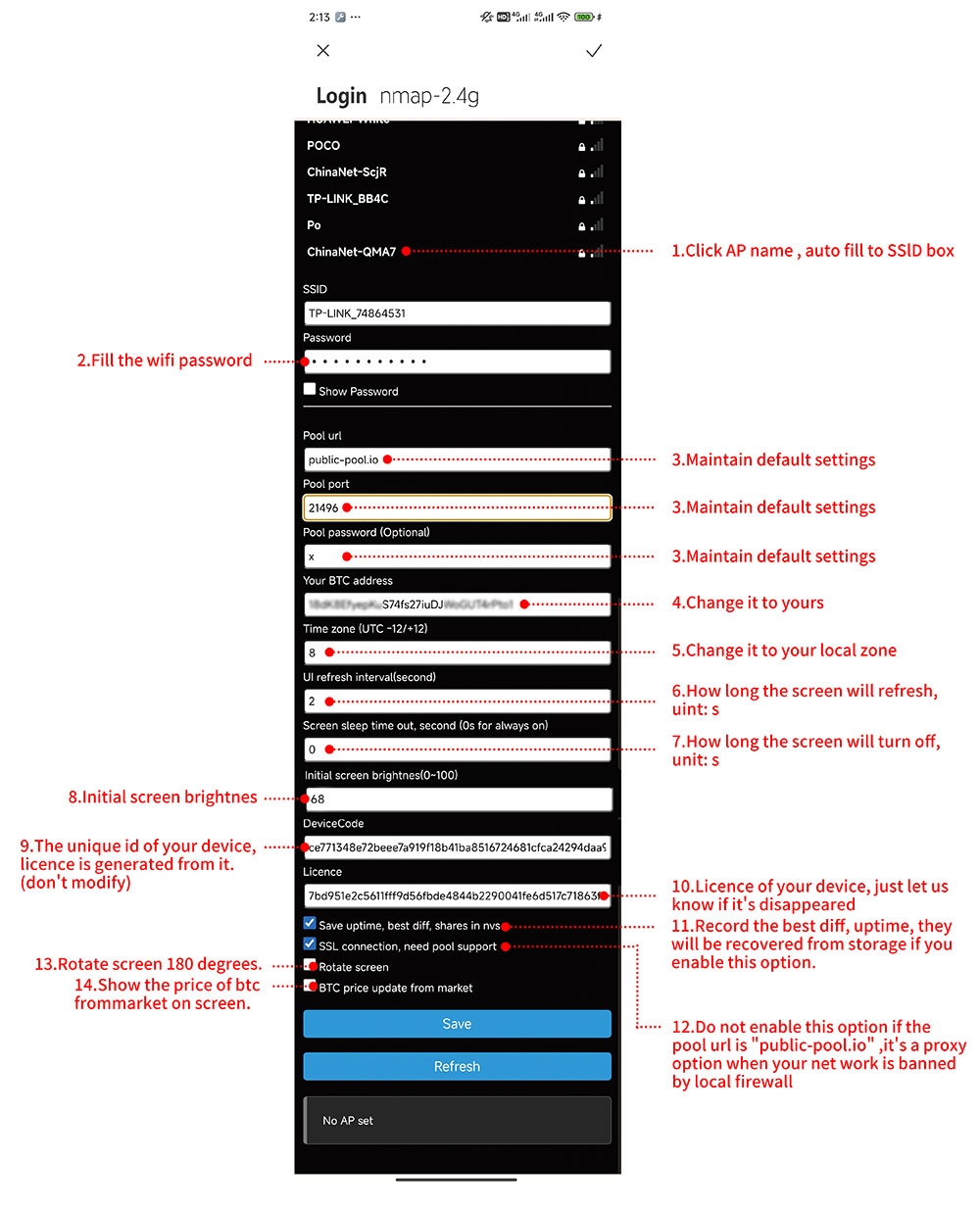
With the NMMiner web-flash-tool, https://flash.nmminer.com, you can config the NMMiner more easily.
Update the firmware
Step 1: When you first get the device, you should choose the device type you have, choose it and Connect and Program.

Step 2: When the NMMiner works well, you can see the WiFi and BTC address configure input box Input your WiFi SSlD and password, BTC address, config the device. lf everything is ok, you can see the Hashrate report from the Console.

Console Only
If you don’t need to update the firmware, just check the Console only, the NMMiner will run, then you can config it as【Update the firmware】 Step 2.

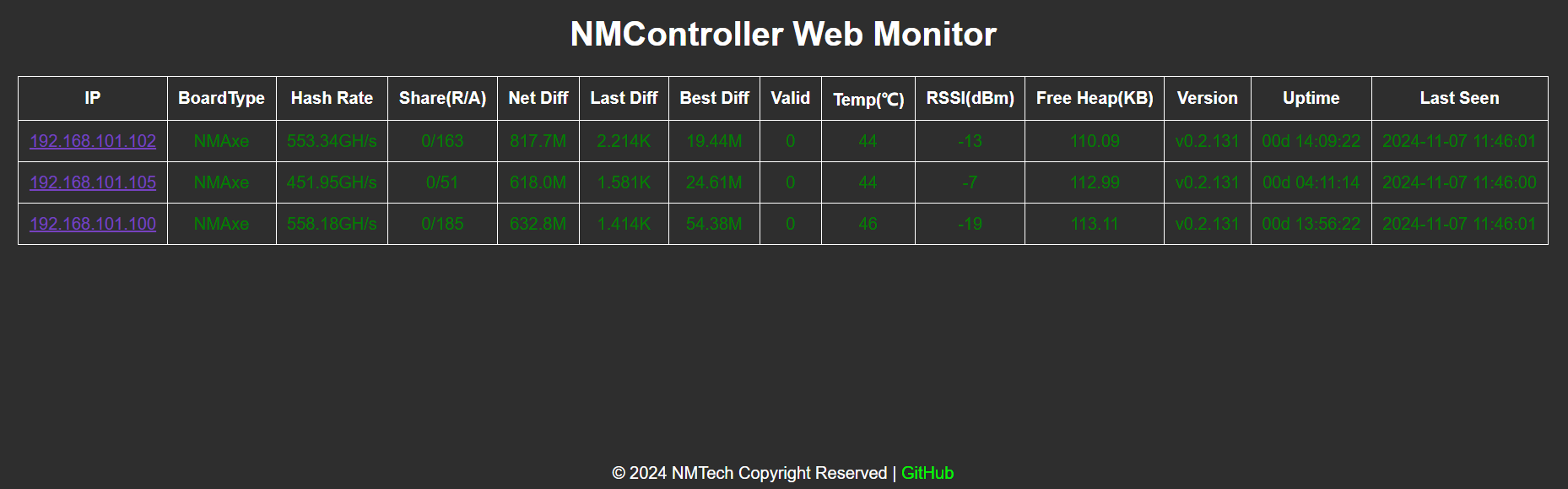
Bitcoin Lottery
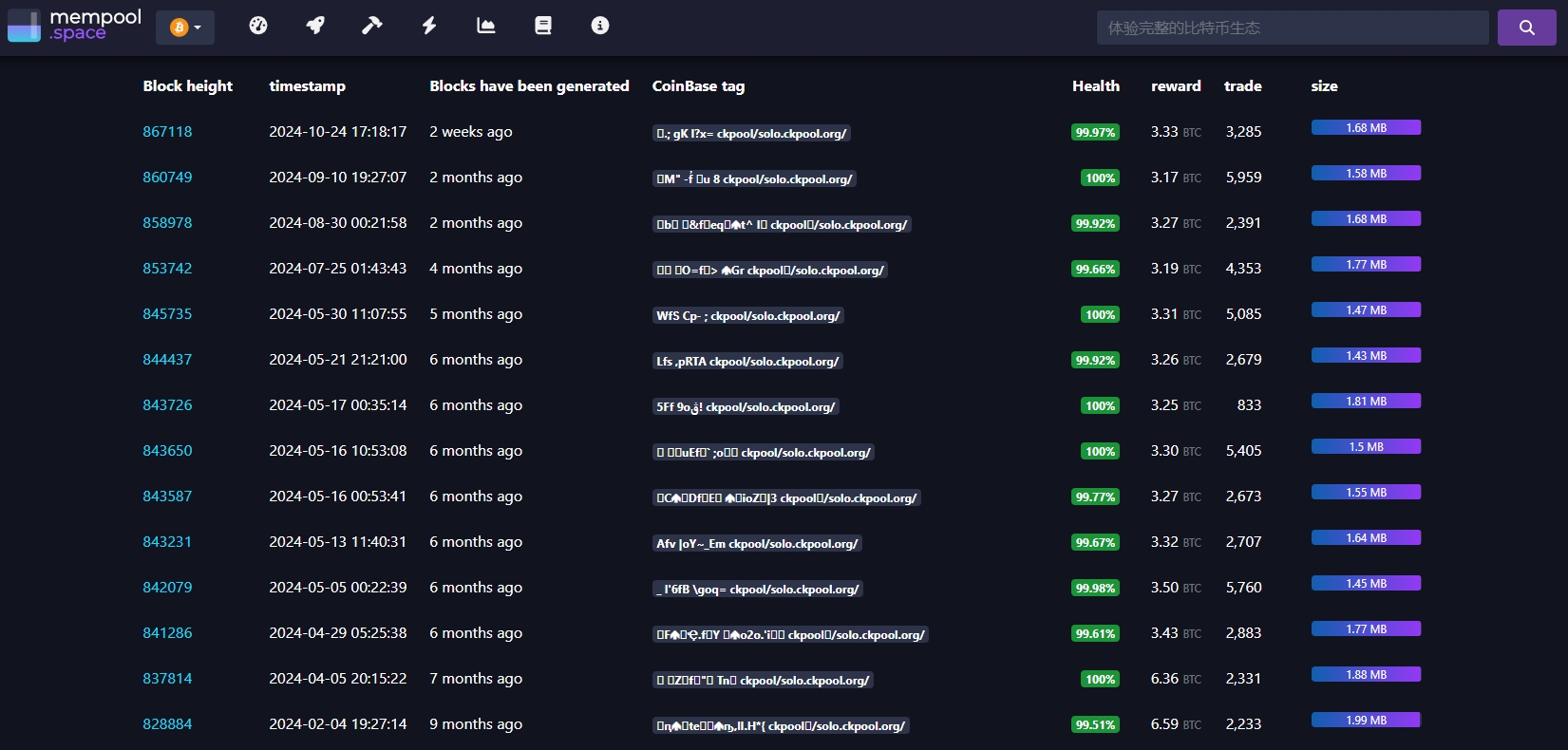
The lottery value is ~3.125 BTC, approximately equal to $220,000.
The screenshot is the recent data of CK Pool. The data shows that there is a lucky winner about every month.
zimerov ertover –
Hello, Neat post. There is an issue with your website in internet explorer, could check thisK IE still is the market chief and a large component of other people will pass over your fantastic writing because of this problem.